Home
Blog
Oppora's Claude MCP is Live. Connect our Email Database & Outreach features with any tool to build smart automations inside Claude. Start for Free
Home
Blog
Manasa Goli
Published March 31, 2026
9 min
Try Oppora AI
Create Self-Running Agentic Sales Workflows like N8N just by chatting with AI
Get Started for FREE
CRM data migration is far more than just moving rows of data from one system to another. It’s a strategic transformation that impacts sales forecasts, customer service, reporting accuracy, automation, and every team that touches customer data.
Yet, most migrations don’t go as planned. Common consequences include:
👉 In this article, we’ll uncover essential CRM migration best practices that many teams overlook, and show how Oppora.ai simplifies and accelerates every step of the process—from planning to adoption.
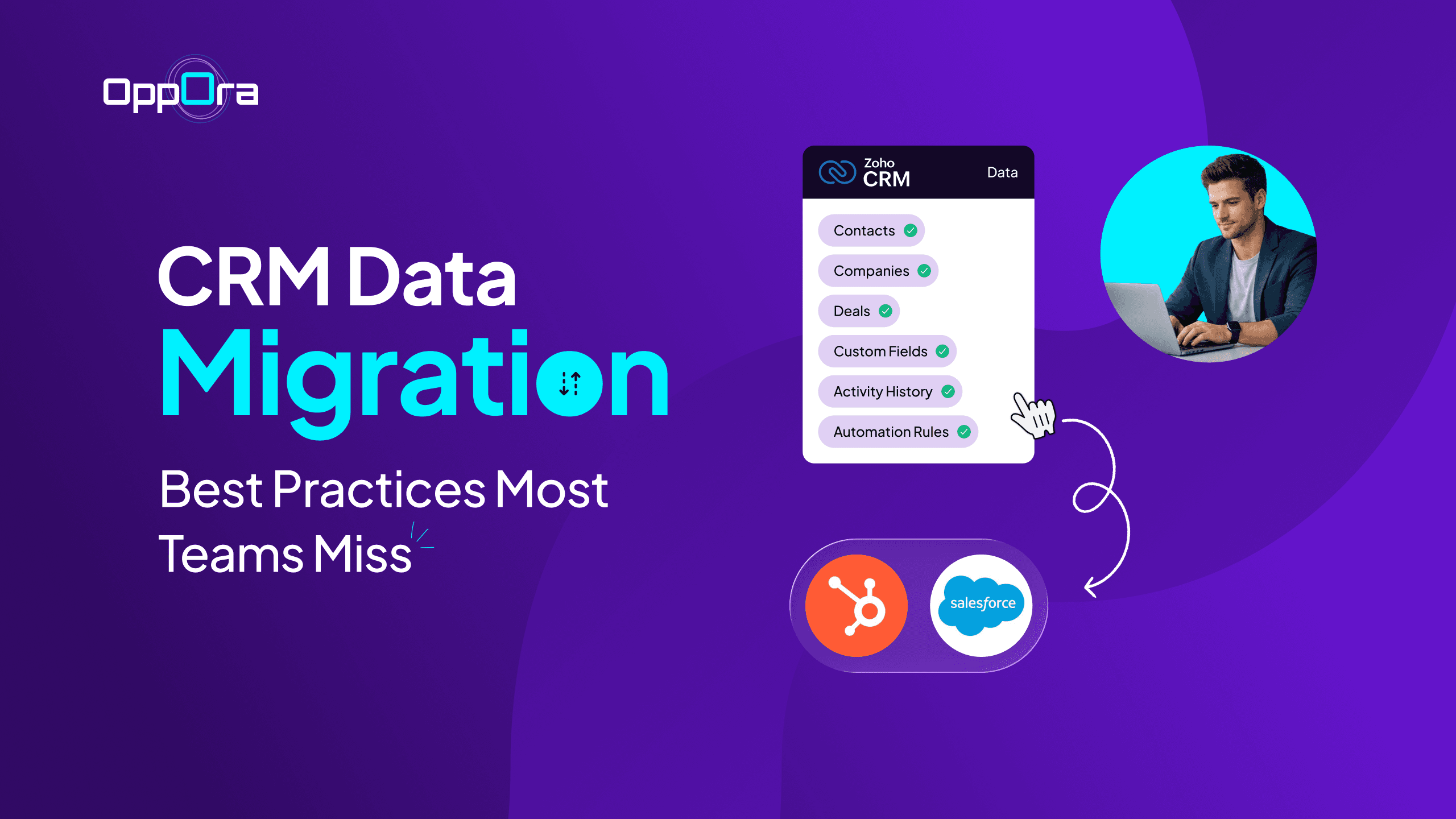
CRM data migration is the process of transferring customer data, objects, workflows, settings, and relationships from one CRM to another—for example:
📌 A company moving from a legacy system like Zoho CRM to a modern platform like Salesforce or HubSpot.
Successful migration means preserving not just data, but context—associations between contacts, companies, deals, custom fields, activity history, and automation rules.
Why it matters:
Migrating a CRM is not just moving data—it’s about ensuring business continuity, preserving relationships, and enabling teams to work effectively through data migration services. Success requires strategic planning and technical execution, each with its own best practices.
These form the foundation of a successful migration. Without strategy, even the most technically perfect migration can fail.
Before touching any data or tools, you need absolute clarity on why you are migrating. Without this, migration becomes a technical activity instead of a business improvement initiative.
A CRM should solve real problems—not just replace an old system.
What defining goals actually means:
Examples of strong business goals:
How to measure success (very important):
You need measurable KPIs, otherwise you won’t know if migration worked.
Practical example:
A SaaS company migrated CRM to improve pipeline visibility.
👉 That’s a 20% improvement, directly impacting revenue decisions.
Key takeaway:
👉 If you don’t define success clearly, your migration might “finish”—but it won’t deliver results.
CRM is not just a tool—it’s used by Sales, Marketing, Support, and Operations. If these teams are not aligned, your migration will fail due to miscommunication and resistance.
Why this matters:
What strong ownership looks like:
Best practices to implement:
Example:
A company skipped cross-team alignment:
Later, they fixed it by:
Unique insight:
👉 Strong executive involvement prevents:
Key takeaway:
👉 CRM migration is a team project, not an IT project.
One of the biggest mistakes is trying to migrate everything. This increases complexity, cost, and risk.
The goal is not to move all data—it’s to move useful data.
Why scope matters:
How to define scope properly:
Step 1: Categorize your data
Example:
Instead of migrating 10 years of data:
👉 Result:
Advanced tip (very practical):
Use a data usage heatmap:
👉 Only migrate what actually drives business decisions.
What happens if you skip this:
Key takeaway:
👉 Migration is a chance to clean and simplify, not carry forward legacy chaos.
Every CRM migration has risks. The difference between success and failure is how well you prepare for them.
Common risks in CRM migration:
How to plan for risks:
1. Identify high-risk areas
2. Create a rollback plan
3. Plan migration timing
4. Communicate clearly
Example:
A B2C company migrating CRM:
👉 Result:
What happens without risk planning:
Key takeaway:
👉 Migration success is not about avoiding risks—it’s about being prepared for them.
This is where execution meets precision. The strategies below are often missed and cause most migrations to fail.
What it means: Before moving anything, you need to understand and fix your data. Most CRM issues after migration come from poor data quality—not the migration itself.
What to check during a data audit:
How to clean data properly:
Example: Before vs After Cleaning
Why this matters:
👉 Reality: If you skip this step, your new CRM will inherit all old problems—just in a new system.
What it means: Field mapping is about telling the new CRM where each piece of data should go—but it’s not always a 1:1 match.
Common challenges in mapping:
Types of mapping scenarios:
Solution: Convert text values into predefined categories
Example:
Example:
👉 These relationships must remain intact after migration.
Best practices:
What goes wrong if ignored:
What it means: During migration, your data is still changing. If not handled properly, you’ll end up with missing or duplicated records.
Best for:
Best for:
Example:
An e-commerce company cannot stop order flow. So they:
Key checks:
Risk if ignored:
What it means: Instead of migrating everything at once, you test with a small dataset first.
What to validate:
Example:
A company tested 100 records and discovered:
Fixing this early saved thousands of records from corruption.
Why this is powerful:
What it means: Migration doesn’t end when data is imported—it ends when data is verified and trusted.
Execution phase includes:
Validation checklist:
Quality Assurance (QA) checks:
Example:
A company migrated 10,000 deals:
👉 Migration without validation = blind trust And blind trust in data is risky.
What it means: Even perfect migration fails if teams don’t use the new CRM properly.
Training best practices:
Adoption tracking:
Ongoing governance:
Example:
A SaaS company noticed low adoption after migration:
Solution:
Reality check:
👉 Migration is not the finish line—it’s the starting point of better data management.
Many migrations fail—not because it’s technically hard, but because teams underestimate the complexity of real business data.
Here are common failure points:
Multiple records for the same customer Outdated or inconsistent formatting
Fields that don’t map cleanly between old and new systems Custom automation breaks after migration
Teams don’t embrace the new system due to poor training
Unplanned "scope changes" derail timelines
👉 Most of these problems are preventable with structured planning and execution—but only if the team prioritizes them.
CRM data migration isn’t just a technical upgrade—it’s a business-critical reset.
Done right, it gives you:
Done wrong, it creates:
The difference doesn’t come down to tools alone—it comes down to how intentionally you approach the process.
The best-performing teams treat migration as:
That’s why the practices covered in this guide—from defining goals and scoping data to validation, testing, and governance—aren’t optional. They’re essential.
And while these best practices are clear in theory, executing them consistently at scale is where most teams struggle.
That’s where platforms like Oppora.ai make a meaningful difference—by reducing manual effort, minimizing risk, and ensuring your migration is not just completed, but trusted and usable from day one.
The timeline depends on data volume, complexity, and preparation—not just the migration itself.
Most delays don’t happen during migration—they happen during data cleaning, mapping, and validation.
You can’t rely on a single check—you need multi-layer validation:
The key is: trust, but verify at multiple levels.
Many teams confuse the two:
Migration is the starting point, but integration ensures your data stays consistent afterward.
Summarize with AI
Share