Sales teams today spend 72% of their time on non-selling activities. Instead of closing deals, they are drowning in spreadsheets, verifying emails, and switching between a dozen different tabs.
The problem isn't a lack of tools; it's that most traditional tools create more work, not less.
This guide cuts through the noise. We have analyzed the market to bring you the best sales prospecting tools for lead generation that actually drive revenue. Whether you need a simple email finder or a fully autonomous AI agent, this list has the solution.
Before diving into the list, it is crucial to understand the specific criteria we used to rank these platforms.
How We Evaluated the Best Prospecting Tools
To ensure this list is valuable, we didn't just pick the most popular names. We evaluated each tool against three critical criteria that matter in 2026.
Data Accuracy & Freshness
A database is only as good as its last update. We prioritized tools that offer real-time verification and high coverage of direct dials and mobile numbers.
Automation & AI Capabilities
Static databases are outdated. We looked for tools that use AI not just to write emails, but to plan workflows, score leads, and handle replies autonomously.
Integration & Workflow Readiness
The best tool is the one that fits your stack. We evaluated how seamlessly these platforms integrate with major CRMs like Salesforce and HubSpot to maintain a "single source of truth."
With these criteria in mind, let's explore the top 10 tools dominating the market this year.
The 10 Best Sales Prospecting Tools for Lead Generation
We have categorized these tools by their primary strength, starting with the comprehensive solutions and moving to specialized plugins.
1. Oppora.ai (The Best All-in-One AI Sales Agent)
Best For: Teams who want to automate the entire funnel from finding leads to booking meetings without buying five separate tools.
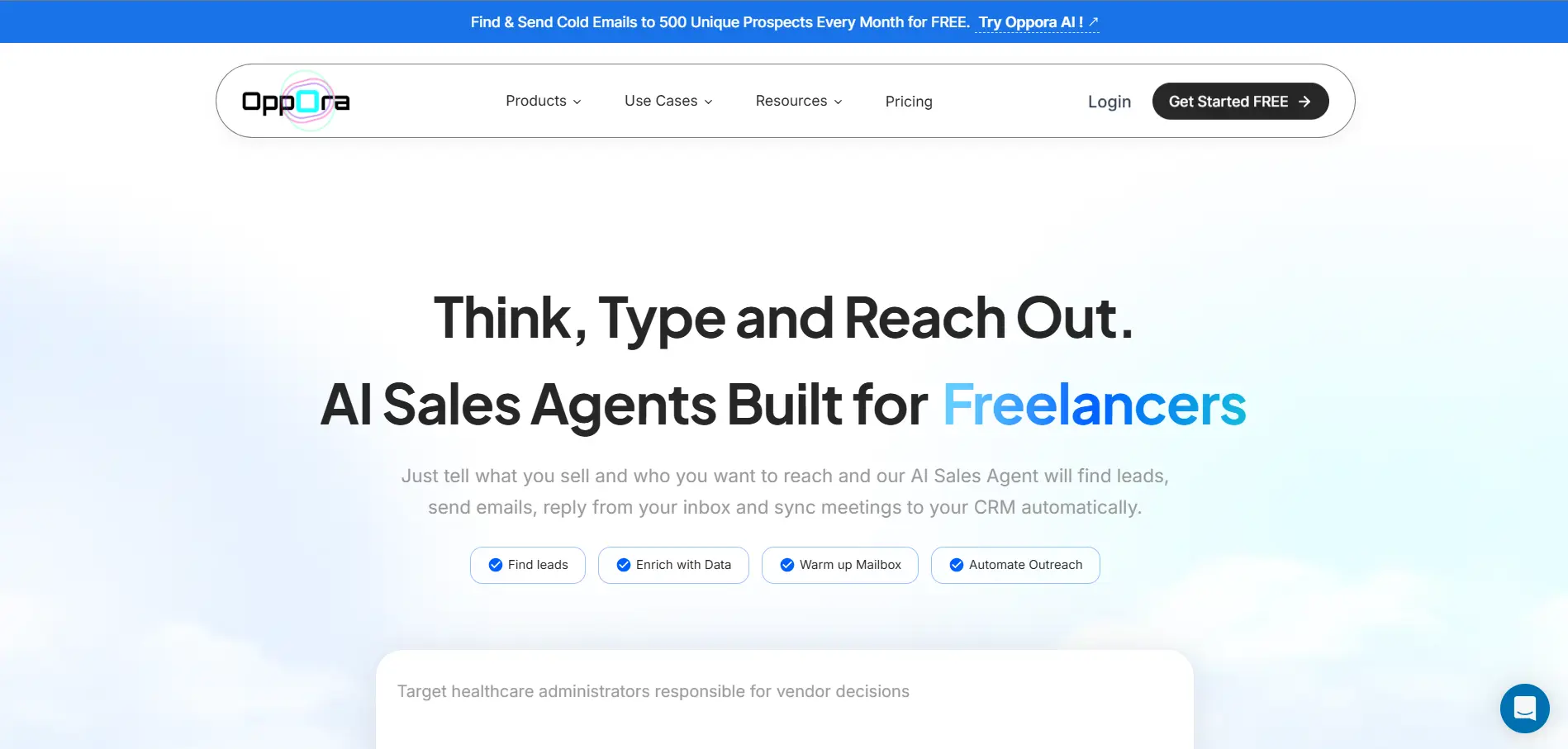
Oppora.ai is an Agentic AI tool that takes care of the entire outreach workflow. It handles everything including prospecting, sending emails, replying via AI, and built-in domain warm-up, effectively replacing the manual grunt work of an SDR in one unified platform.
Key Features (Prospecting Focused):
700M+ Database & Waterfall Enrichment: Access a massive database of over 700M verified leads. It also supports custom database providers via API (integrating with Apollo, ZoomInfo, etc.) to perform waterfall enrichment for maximum data accuracy.
Unlimited Finder & Buying Signals: Unlike other tools, Lead and Company Finder usage is unlimited in every plan; you only pay to view verified emails and phone numbers. Filter leads by precise buying signals like revenue, company size, recent job changes, and employee count growth.
Automated Prospecting Loops: Set it and forget it. Create workflows that run on loops based on triggers for example, "Every Monday, find companies that posted job hirings in the last 7 days, then find the HR Manager at those companies."
Smart Scoring & Import Enrichment: Import your own lists manually for instant enrichment of emails, phones, and firmographics. Prioritize your outreach using both manual configurations and AI-powered lead scoring before you ever hit send.
LinkedIn Extension: Prospect while you scroll. The extension helps you check emails on LinkedIn profiles and push them directly into your outreach lists, bridging the gap between social browsing and active selling.
Pros:
Huge Database, and custom database providers
Multiple Buying Signals to filter down leads
Automated N8N-style workflows for prospecting
Cons:
A new paradigm that might require shifting from "manual control" habits.
2. LinkedIn Sales Navigator (The Social Data Giant)
Best For: Relationship-based social selling and mapping enterprise accounts.
Sales Navigator remains the gold standard for social data. It allows you to tap into LinkedIn's 1 billion+ user base with advanced filters that other tools can't match.
Key Features:
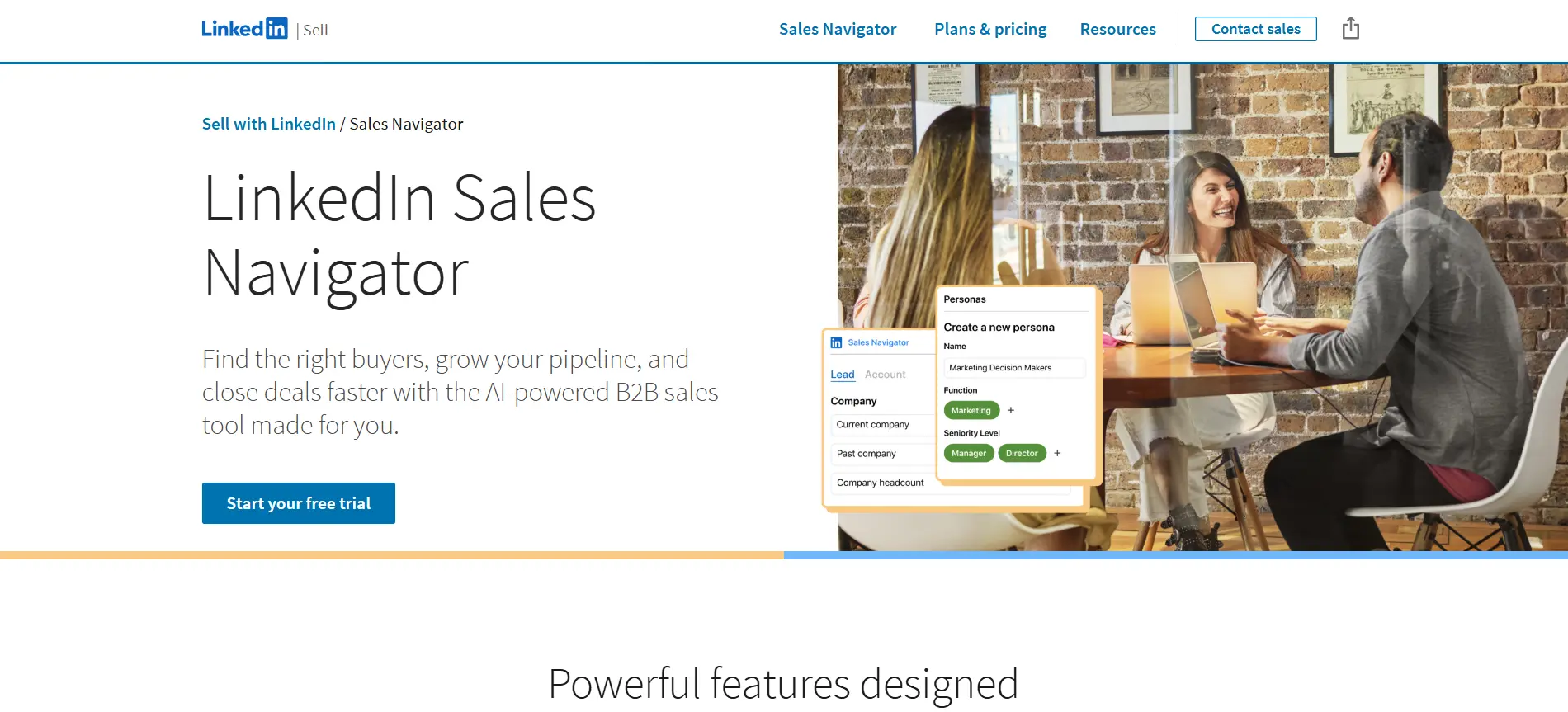
Advanced Lead & Account Search: Drill down with granular filters like "years in current position," "past company," or "seniority level." This helps you find decision-makers who recently changed roles, a key trigger event for new sales opportunities.
TeamLink Connections: This feature leverages your entire company's network, not just your own. It uncovers hidden warm introduction paths by showing you if a colleague is already connected to a target prospect.
InMail Messaging: Bypass the crowded email inbox entirely. InMail allows you to send direct messages to prospects you aren't connected with, which often yields higher open rates for senior executives.
Pros:
Unmatched data accuracy for job titles.
Great for warm intros.
Cons:
Requires significant manual effort.
Expensive per seat.
3. Apollo.io (The Volume Database)
Best For: Mid-market teams who prioritize volume and need a unified database and sequencer.
Apollo has become a staple for teams that need a massive contact database coupled with built-in sequencing capabilities.
Key Features:
275M+ Contact Database: Access one of the largest B2B datasets available, including verified emails and mobile numbers. It allows you to build massive lists quickly for high-volume outreach campaigns.
Multi-Channel Sequencing: Design automated workflows that include emails, calls, and LinkedIn tasks. You can set triggers to move prospects to different stages based on their engagement (e.g., if they open an email 3 times, create a call task).
Chrome Extension for Prospecting: Identify contact details while browsing LinkedIn or any company website. The extension overlays data directly on your screen, letting you add leads to a sequence without breaking your workflow.
Pros:
Very affordable entry price.
Huge volume of data.
Cons:
Data accuracy can vary.
Encourages "spray and pray" tendency.
4. ZoomInfo (The Enterprise Intelligence)
Best For: Large enterprise teams with significant budgets who need deep organizational intelligence.
ZoomInfo is the heavyweight champion of B2B data. It offers the deepest insights into organizational charts, intent data, and technographics.
Key Features:
Visual Org Charts: Get a clear, navigable map of the reporting structure within target accounts. This is crucial for enterprise sales, helping you identify champions, influencers, and blockers before you even reach out.
Streaming Intent Data: See exactly which companies are researching your specific product category in real-time. This allows you to prioritize your outreach based on actual buying signals rather than just firmographic fit.
Automated Data Enrichment: Keep your CRM data pristine without manual updates. ZoomInfo works in the background to refresh contact records, fill in missing fields, and flag outdated information automatically.
Pros:
Best-in-class data depth.
Powerful intent signals.
Cons:
Extremely expensive.
Rigid contract terms.
5. HubSpot Sales Hub (The CRM Integrator)
Best For: Teams already in the HubSpot ecosystem who want seamless tracking.
If your marketing team uses HubSpot, using Sales Hub for prospecting ensures perfect alignment between inbound and outbound efforts.
Key Features:
Real-Time Email Tracking: Receive instant desktop notifications the moment a prospect opens an email or clicks a link. This timing allows reps to follow up while they are top-of-mind, significantly increasing connection rates.
Automated Sequences: Create personalized email series and task reminders to nurture leads over time. Unlike mass blasts, sequences stop automatically when a prospect replies, ensuring a personal touch.
Meeting Scheduler: Eliminate the friction of finding a time to meet. You can send a customized link that syncs with your calendar, allowing prospects to book a slot instantly without the back-and-forth email tag.
Pros:
Perfect CRM integration.
Easy to use.
Cons:
Can get expensive quickly as you add features/contacts.
6. Lusha (The Contact Finder)
Best For: Sales reps who need a quick, accurate way to find direct dials while browsing the web.
Lusha is famous for its ease of use and high accuracy of phone numbers, particularly in the EMEA and US markets.
Key Features:
Browser Extension Overlay: Instantly reveal contact info on LinkedIn profiles or company "About Us" pages. It layers verified email and phone data directly over the profile you are viewing, streamlining the research process.
GDPR & CCPA Compliance: Lusha prioritizes data privacy and compliance standards. This makes it a safe choice for enterprise teams operating in strictly regulated regions like Europe or California.
One-Click CRM Sync: Seamlessly export enriched contacts directly to Salesforce, HubSpot, or Pipedrive. It maps data fields automatically, saving reps hours of manual data entry every week.
Pros:
High mobile number accuracy.
Very simple UI.
Cons:
Limited database size compared to ZoomInfo/Apollo.
7. Clay (The Enrichment Specialist)
Best For: Technical growth teams who want to build creative, "waterfall" data enrichment workflows.
Clay is a newer player that aggregates 50+ data providers into one spreadsheet-like interface, allowing for extreme personalization.
Key Features:
Waterfall Enrichment: Query multiple data providers sequentially to maximize coverage. If Provider A doesn't have an email, it automatically asks Provider B, ensuring you get the highest possible match rate for hard-to-find contacts.
AI Research Agent (Claygent): Deploy an AI agent to visit websites and find specific unstructured information. It can answer complex questions like "Do they have a pricing page?" or "What CRM are they hiring for?" to deeply personalize outreach.
Pros:
Incredible data coverage.
Highly customizable.
Cons:
Steep learning curve.
Requires a "builder" mindset.
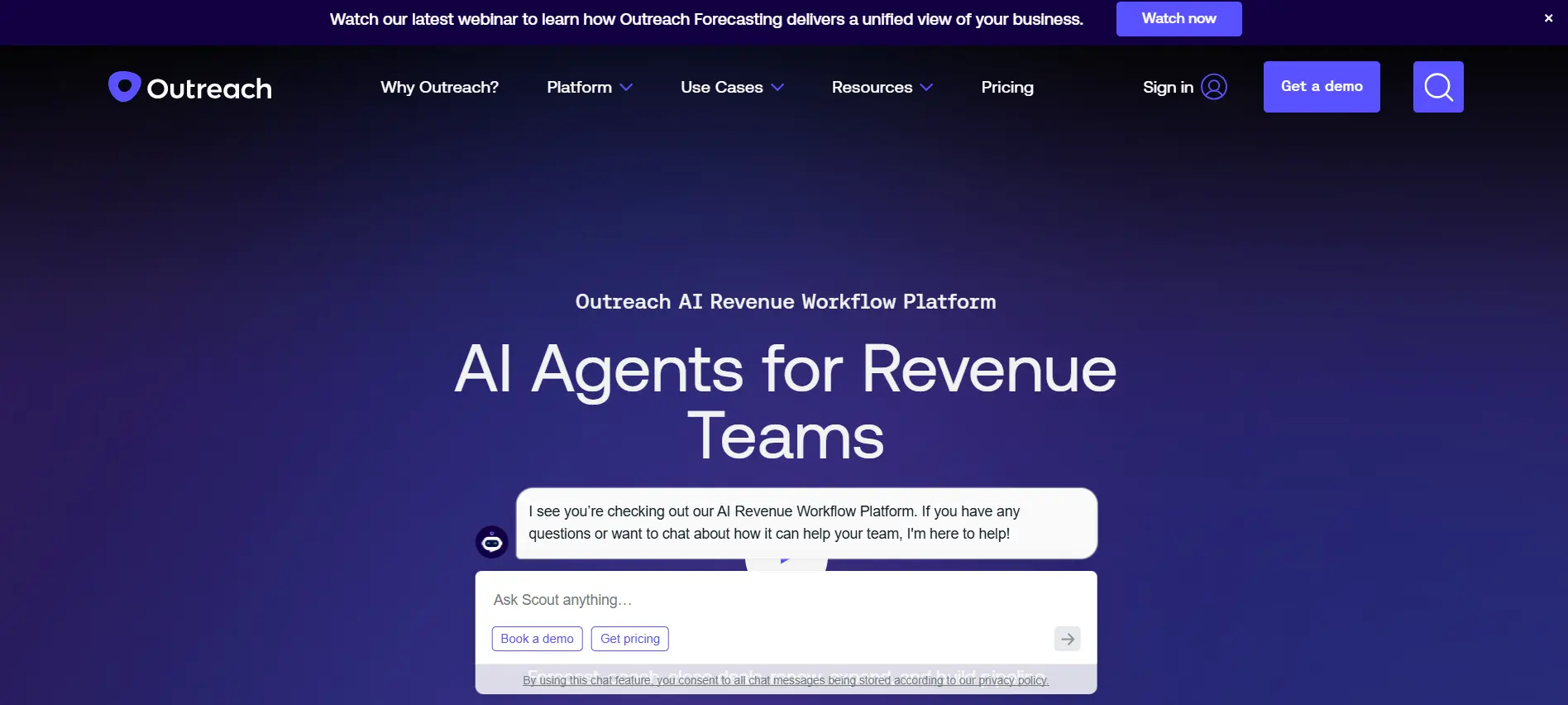
8. Outreach (The Engagement Engine)
Best For: Large sales organizations that need strict governance and complex sequencing.
Outreach is a pure-play sales engagement platform focused on optimizing the workflow of large teams.
Key Features:
Enterprise Sequencing: Manage complex, multi-touch workflows across large teams. It supports A/B testing of messaging at scale, allowing managers to optimize reply rates across the entire organization.
Sentiment Analysis: The platform uses AI to analyze the tone of prospect replies. It can automatically categorize responses as "positive," "objection," or "unsubscribe," helping managers identify coaching opportunities.
Governance & Compliance: Set strict rules to prevent reps from over-emailing prospects or sending non-compliant messages. This protects your domain reputation and ensures adherence to internal communication policies.
Pros:
Robust reporting.
Great for managing large teams.
Cons:
Complex setup.
Requires a separate data source (like ZoomInfo).
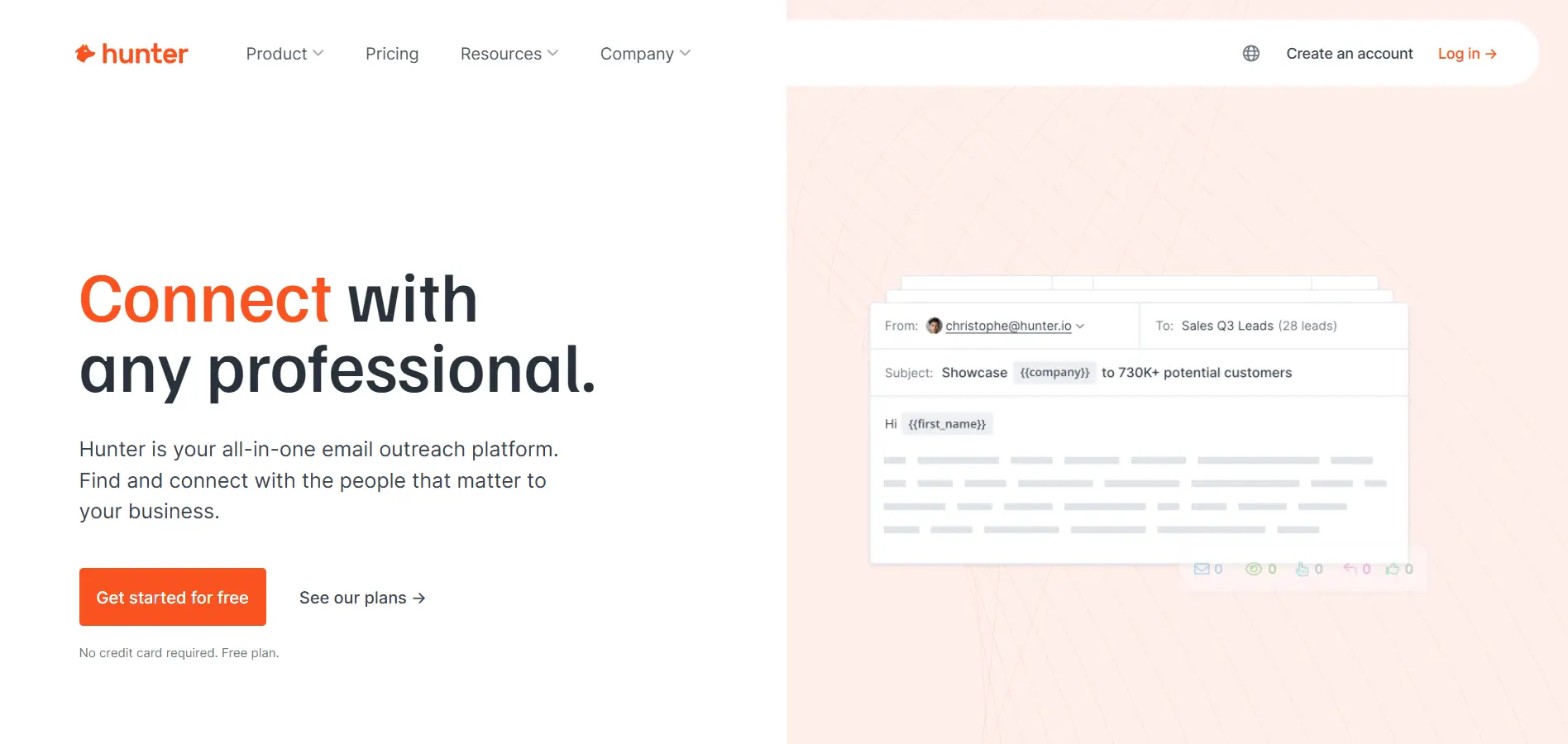
9. Hunter (The Email Verifier)
Best For: Teams focused purely on email validity and domain research.
Hunter is a specialized tool designed to do one thing very well: find and verify professional email addresses.
Key Features:
Domain Search: Enter any company domain to see a list of all public email addresses associated with it. It helps you identify email patterns (e.g., [email protected]) so you can guess emails for specific contacts.
Email Verifier: Validate email addresses in real-time to prevent bounces. It checks the SMTP server response to ensure the inbox exists before you risk your sender reputation.
Confidence Scores: Every email comes with a confidence rating (0-100%). This allows you to filter out risky contacts and focus only on those with a high probability of successful delivery.
Pros:
Simple and reliable.
Great API.
Cons:
No phone numbers.
Limited "prospecting" features beyond email.
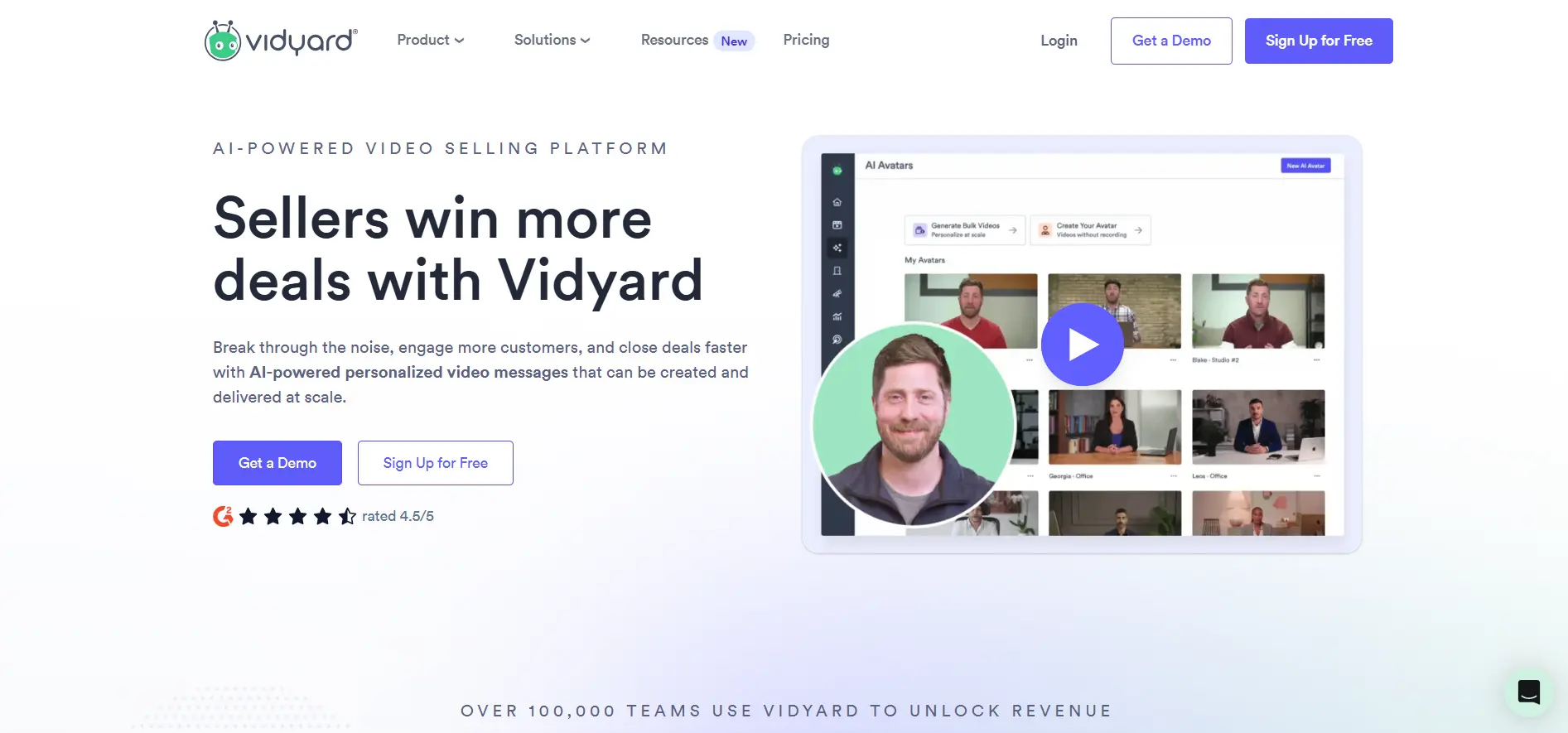
10. Vidyard (The Video Prospector)
Best For: Reps who want to break through the noise with personalized video messages.
Vidyard isn't a database, but it is a critical prospecting tool for standing out in a crowded inbox.
Key Features:
Screen & Webcam Recording: Easily record your screen, webcam, or both simultaneously. This is perfect for creating personalized product demos or visual introductions that grab attention in a text-heavy inbox.
View Notifications: Get notified exactly when a prospect watches your video and how much of it they watched. This insight helps you prioritize follow-ups based on actual engagement levels.
CRM Integration: Log video views as activity in your CRM automatically. It allows you to trigger specific follow-up sequences based on whether a prospect watched your video or ignored it.
Pros:
High engagement rates.
Builds human connection.
Cons:
Requires time to record videos.
Scaling is harder.
To make your decision easier, here is a side-by-side comparison of the top contenders.
Comparison Table – Best Sales Prospecting Tools at a Glance
A detailed comparison to help you choose the right tool based on focus, data, and automation depth.
While the comparison table helps with selection, understanding the future of prospecting requires a deeper look at the leader in the space.
Why Oppora.ai is the Future of Prospecting
While traditional tools force you to stitch together a fragmented stack, Oppora.ai unifies the entire workflow like n8n.
By leveraging Agentic AI, it transforms prospecting from a series of disjointed tasks into a single, fluid operation that scales effortlessly.
Enterprise-Grade Data & Infrastructure
Every campaign starts with the right data. Oppora provides instant access to a massive 700M+ verified B2B database, ensuring you never run out of leads.
Beyond just data, the platform protects your reputation with built-in domain warm-up and sender identity matching. This ensures your high-value emails land directly in the primary inbox.
One-Click Capture with the LinkedIn Extension
Once you identify a target, capturing them should be instant. Oppora’s smart Linkedin extension lets you pull leads directly from LinkedIn in a single click.
In the backend It automatically enriches the contact data and syncs it straight into your active workflow. This eliminates manual copy-pasting and keeps your prospecting rhythm unbroken.
Beyond Simple Automation: The Agentic Shift
Once the campaign is live, most tools stop working. This is where Reply ora takes over as a fully autonomous SDR.
It reads incoming replies, detects sentiment, and engages in intelligent back-and-forth conversations. It even negotiates times and books meetings on your calendar without you touching the keyboard.
Native CRM & Pipeline Management
To keep track of all these automated conversations, Oppora acts as your central command center. It features a built-in Sales CRM to visualize your pipeline and track engagement.
It also offers native bi-directional sync with major platforms like Salesforce and HubSpot. This ensures your data "source of truth" remains perfectly aligned across your stack.
Transparent Control with AI Checkpoints
Despite this high level of automation, you never lose oversight. Oppora solves the "black box" fear with built-in Smart Checkpoints.
While the AI handles the heavy lifting, you retain full control to review the list before any campaign launches. You get the speed of AI with the precision and safety of a human expert.
Even with the best tools, implementation matters. Let's look at the common traps that sales teams fall into.
Common Mistakes When Using Prospecting Tools
Even the best tool can fail if the strategy is flawed. Avoid these five common pitfalls to protect your ROI and your reputation.
1. Prioritizing Quantity Over Quality ("Spray and Pray")
Buying a tool with 200 million contacts doesn't mean you should email all of them. Blasting generic messages to thousands of leads leads to low engagement, spam complaints, and domain blacklisting. Focus on relevance, not volume.
2. Ignoring Data Hygiene (The "Bounce Rate" Trap)
Data decays at a rate of 22% per year. Relying on outdated contact info is a silent budget killer. Always use tools that verify emails in real-time before sending to keep your bounce rate under 2% and protect your sender score.
3. Over-Automating Without Humanizing
Automation should scale your efforts, not replace your personality. Sending robotic, template-heavy emails is the fastest way to get deleted. Use your tool to automate the process (finding leads, scheduling), but ensure the message feels personal.
4. Failing to Integrate with Your CRM
Treating your prospecting tool as a silo creates a data nightmare. If your activity doesn't sync automatically to Salesforce or HubSpot, you'll waste hours manually updating records and risk contacting the same lead twice.
5. Giving Up Too Soon (The Follow-Up Failure)
Most sales happen after the 5th touch, yet 44% of reps give up after one email. Many users buy expensive tools but fail to set up proper automated sequences, leaving money on the table by not being persistent.
Avoiding these mistakes is critical, but staying ahead means looking at where the technology is going next.
Conclusion
The era of manual prospecting is over. The best sales prospecting tools for lead generation in 2026 are those that consolidate workflows and leverage AI to remove busy work.
If you are a large enterprise needing deep org charts, ZoomInfo remains strong. For social sellers, LinkedIn Sales Navigator is essential. But if you want to automate the entire path from "Stranger" to "Meeting Booked" with a single platform, Oppora.ai is the clear leader.
Frequently Asked Questions (FAQs)
Do I need multiple prospecting tools or just one?
Traditionally, teams built a "stack" (LinkedIn for data + Hunter for emails + Outreach for sending). However, the 2026 trend is toward all-in-one platforms like Oppora.ai that consolidate these functions to save money and reduce data silos.
Are these scraping tools GDPR and CCPA compliant?
Not all of them. Tools that rely on scraping private data can pose legal risks. Always look for platforms like Lusha or Oppora that emphasize compliance, data privacy, and have "Do Not Contact" filtering built-in.
How much should I budget for sales prospecting software?
Costs vary wildly. Simple plugins start at free or $40/month, while enterprise suites like ZoomInfo can cost $15,000+ annually. An all-in-one agentic solution typically offers better ROI by replacing 3-4 separate subscriptions.
How do I ensure the data I buy is accurate?
Data decays rapidly (22% per year). The only way to ensure accuracy is to use tools with "real-time verification" features. Avoid buying static lists; instead, use platforms that verify email validity at the moment of export or sending.