Home
Blog
Oppora's Claude MCP is Live. Connect our Email Database & Outreach features with any tool to build smart automations inside Claude. Start for Free
Home
Blog
Stephen Parker
Published June 22, 2026
16 min
Try Oppora AI
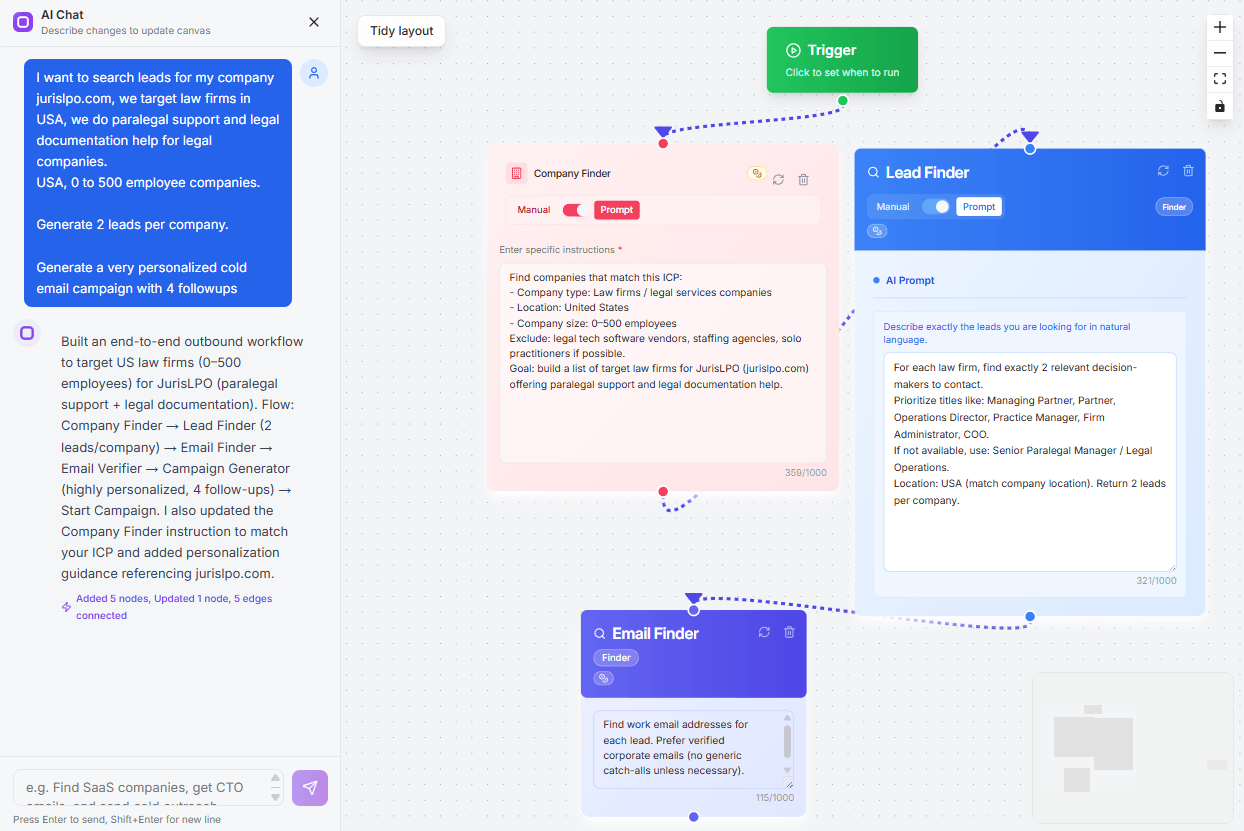
Create Self-Running Agentic Sales Workflows like N8N just by chatting with AI
Get Started for FREE
LinkedIn is full of job openings, but the real work starts after you find them.
You still need the company name, role details, location, job link, and ideally the recruiter or hiring manager behind the post.
Doing that manually can eat hours, especially if you are sourcing jobs for staffing, recruiting, sales, or lead generation.
A LinkedIn job scraper extension helps you collect this data faster and move it into CSV, Google Sheets, or your CRM.
But not every scraper can find HR contacts, verified emails, or phone numbers.
In this guide, you’ll learn:
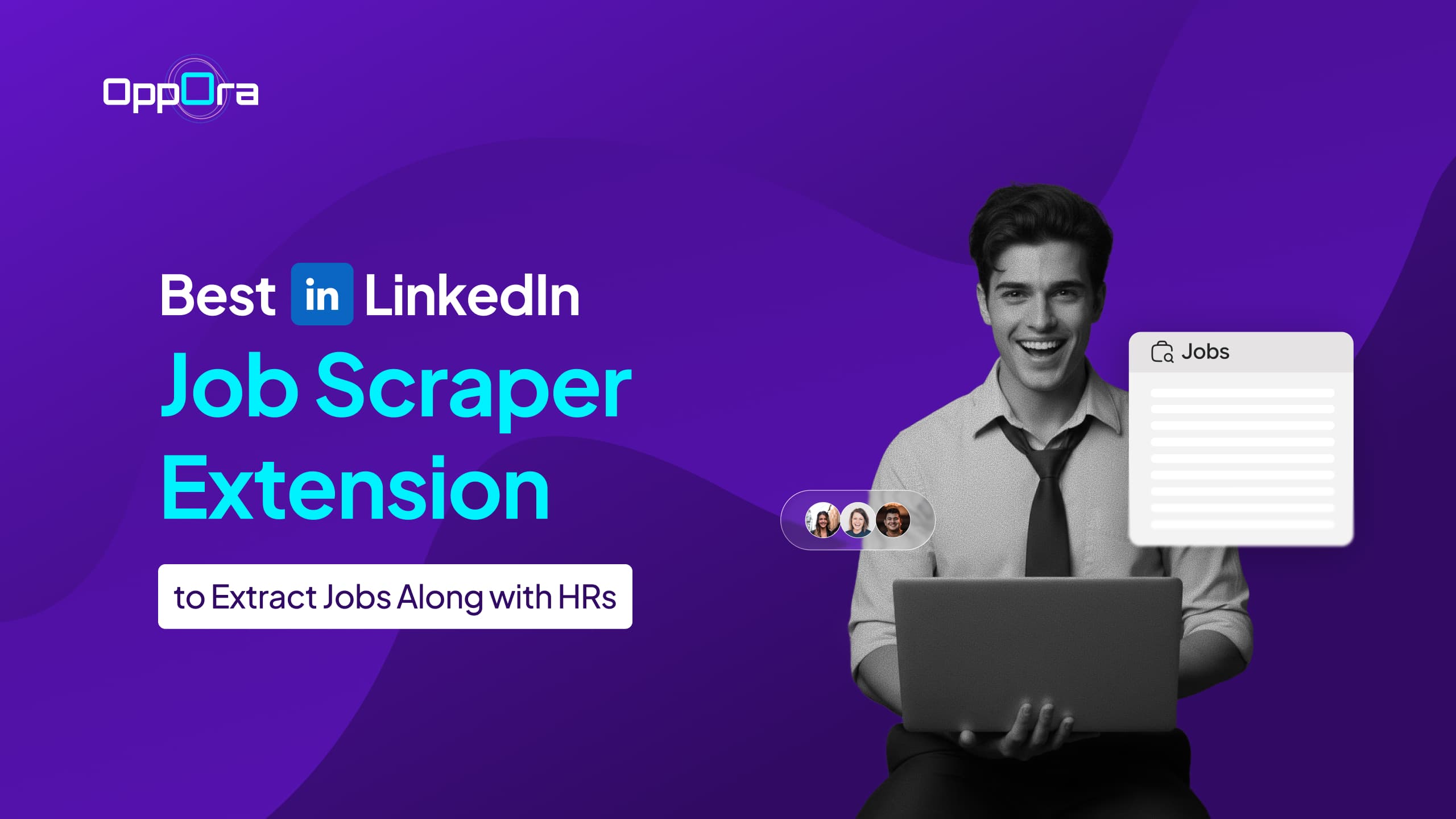
A LinkedIn job scraper extension is a browser tool that helps you collect job posting data from LinkedIn without copying everything manually.
Most commonly, it works as a Chrome extension.
You open LinkedIn jobs, run the extension, and it extracts useful details such as:
Some tools only collect the job listing itself.
More advanced tools go a step further and help you find the HR person, recruiter, or hiring manager connected to that job.
That is where the tool becomes more useful for recruiters, staffing firms, agencies, and sales teams.
A simple way to visualize it is:
LinkedIn job post → scraper extension → clean data → CSV, Google Sheets, or CRM
Instead of jumping between tabs, copying job links, and searching for the right contact separately, you get structured data you can use for outreach, tracking, or workflow automation.
Not every LinkedIn job scraper works the same way.
Some tools only extract job posts. Some help you export data to CSV or Google Sheets. A few go further and help you find the recruiter, HR person, or decision-maker behind the job.
So before you choose one, look at one important question:
Does the tool provide HR contact along with jobs?
In each tool below, we mention this in a simple Yes / No / Partial format so you can quickly see which tool supports direct recruiter outreach.
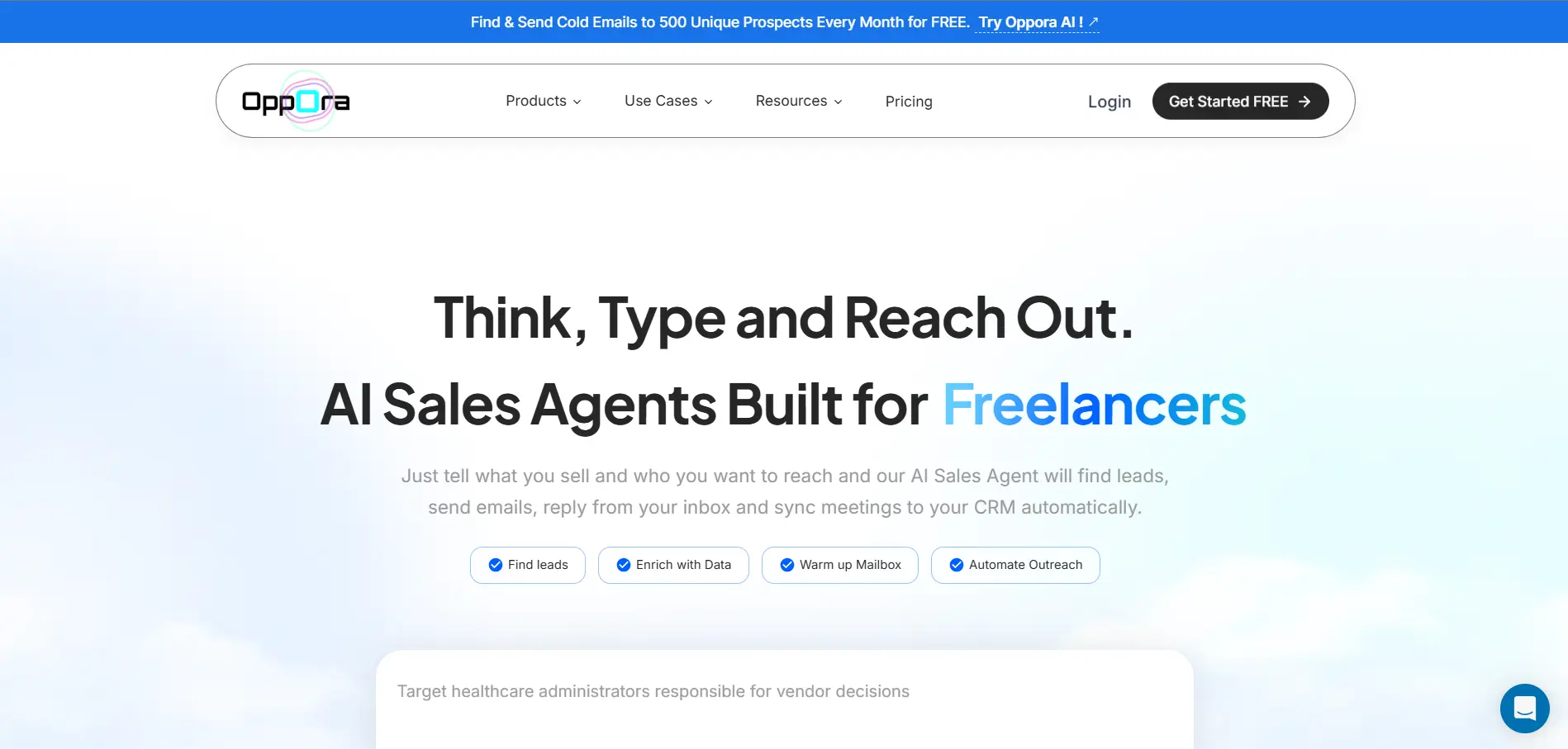
Oppora.ai is a strong fit when you do not want LinkedIn job data to stop at a spreadsheet.
It helps you extract LinkedIn jobs and then connect those job openings with the right HRs, recruiters, and decision-makers.
So instead of only knowing which company is hiring, you can also find who to contact next.
What makes Oppora.ai different is that you do not always need to browse LinkedIn manually.
Using Oppora's company finder, lead finder, and workflow automation, you can search for recently posted jobs directly inside the platform.
Simply define the role, company type, industry, or hiring criteria, and Oppora.ai can pull job opportunities along with hiring details without you having to visit LinkedIn job pages one by one.
This makes Oppora.ai useful for recruiters, staffing agencies, sales teams, founders, and B2B teams that use job openings as buying signals.
Best for: Recruiters, sales teams, agencies, and founders who want to turn LinkedIn job listings into outreach opportunities.
Key features:
Provides HR contact along with jobs: Yes
Pros:
Cons:
Pricing: Oppora.ai offers a free plan and three paid tiers.
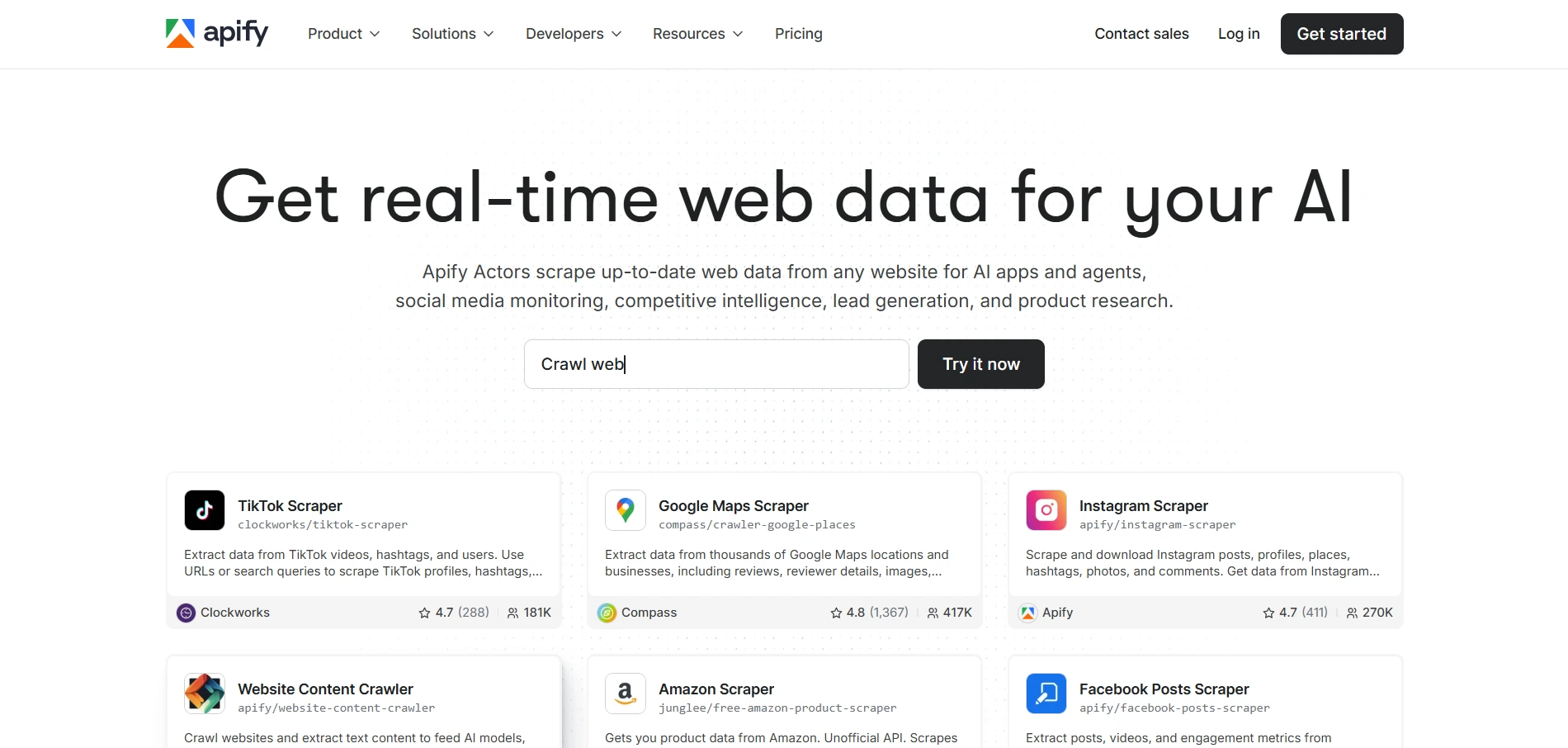
Apify LinkedIn Jobs Scraper is a better fit when you mainly need raw job data at scale.
It is more developer-focused than a simple Chrome extension, so it works well for teams that want to extract LinkedIn job listings and send that data into their own tools, databases, or workflows.
You can use it to collect job titles, company names, locations, job links, and other available job details in a structured format.
Best for: Developers, data teams, and companies that need bulk LinkedIn job data extraction.
Key features:
Provides HR contact along with jobs: No
Pros:
Cons:
Pricing: Apify usually follows usage-based pricing.
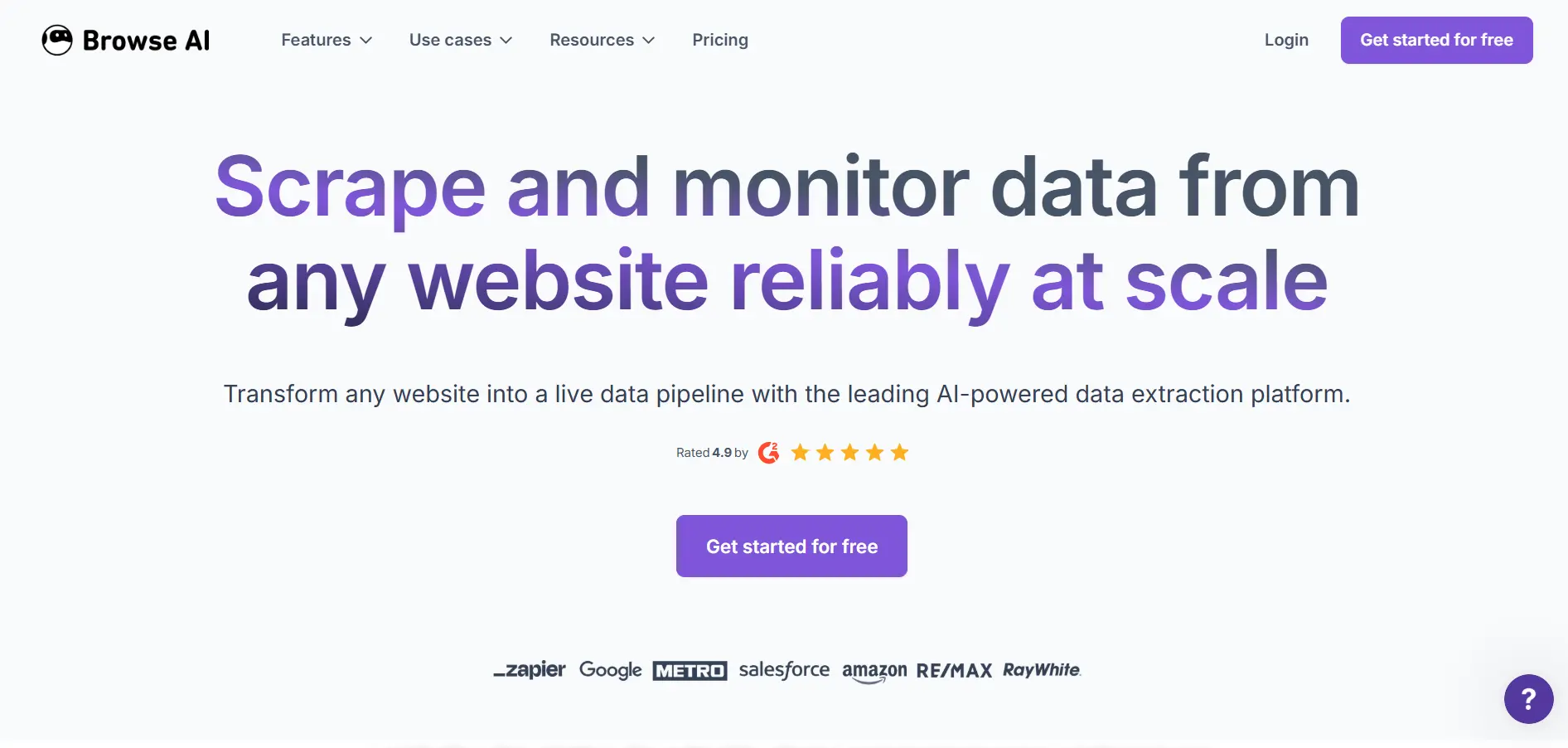
Browse AI is a good option when you want to scrape LinkedIn job data without writing code.
It is a no-code scraping tool that lets you create simple workflows for collecting job listings, tracking new openings, and exporting the data into a usable format.
This makes it useful when you want job data for research, hiring trends, or basic lead tracking, but do not need recruiter emails or HR contact enrichment.
Best for: Non-technical users who want simple LinkedIn job extraction and scheduled tracking.
Key features:
Provides HR contact along with jobs: No
Pros:
Cons:
Pricing: Browse AI offers free and paid plans.
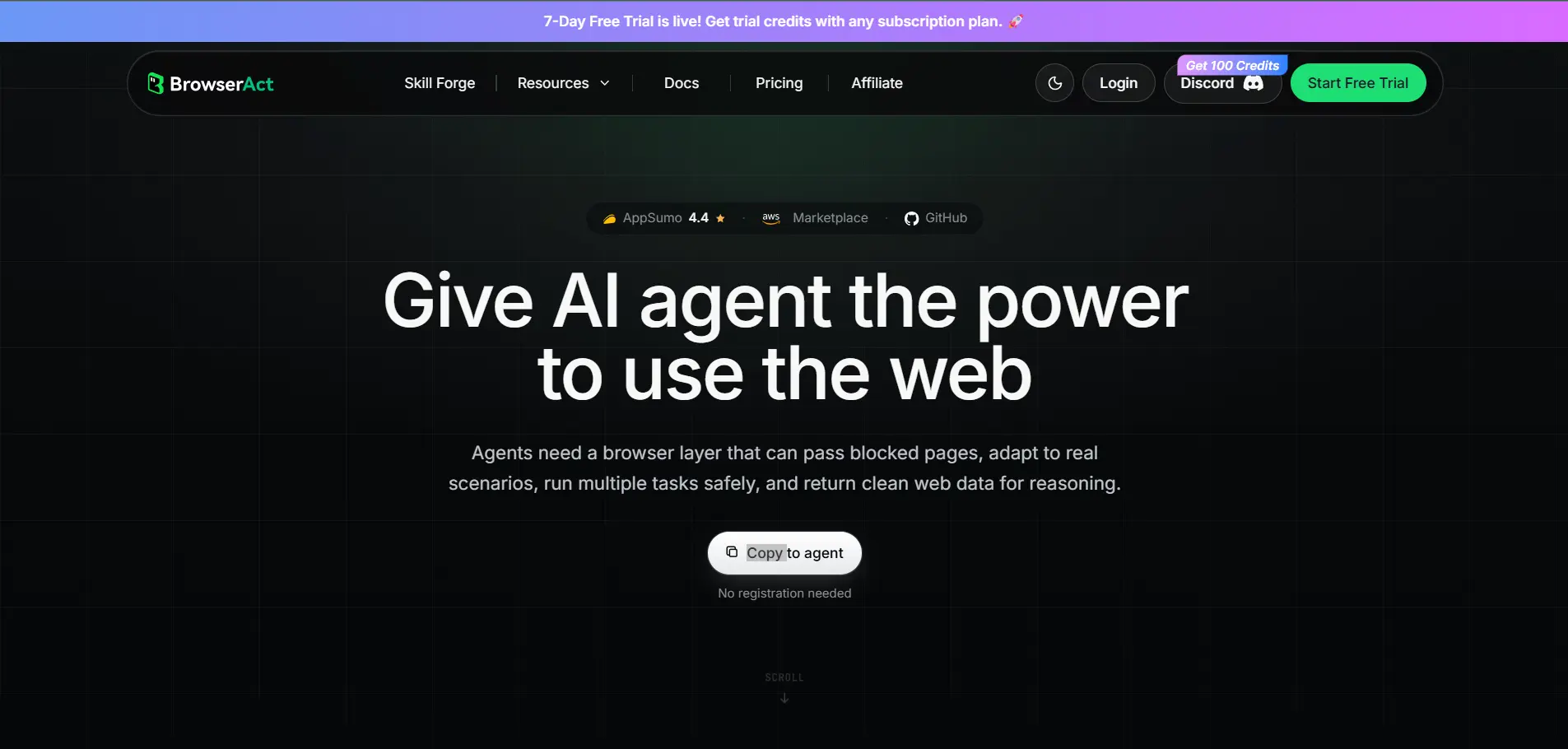
BrowserAct is useful when you want a lightweight way to extract structured LinkedIn job data.
It works more like a browser automation tool, where you can create workflows to collect job details from LinkedIn and organize them into a cleaner format. This makes it helpful for users who want basic job scraping without building a technical scraping system.
However, it is mainly focused on extracting data from pages, not enriching that data with recruiter or HR contacts.
Best for: Users who need simple LinkedIn job scraping automation without advanced outreach features.
Key features:
Provides HR contact along with jobs: No
Pros:
Cons:
Pricing: BrowserAct follows a subscription-based pricing model.
Magical is useful when you want to speed up repetitive work, but it is not a true LinkedIn job scraper extension.
It works more like a productivity tool that helps you move data between web pages, forms, spreadsheets, and CRMs. So if you are manually copying job details from LinkedIn into a sheet, Magical can make that process faster.
But it does not automatically scrape LinkedIn jobs, find HR contacts, or enrich job listings with emails and phone numbers.
Best for: Recruiters and sales teams that want to reduce manual copy-paste work.
Key features:
Provides HR contact along with jobs: No
Pros:
Cons:
Pricing: Magical follows a freemium pricing model.
Bright Data is a better fit when you need large-scale LinkedIn job data, not a simple recruiter outreach workflow.
It gives teams access to LinkedIn job scraping through APIs, no-code scrapers, and ready-made datasets. You can collect public job data like job titles, company names, locations, job descriptions, job IDs, and application links at scale.
That makes it useful for enterprise teams, data teams, and companies that need job market intelligence.
Best for: Enterprise teams, data teams, and companies that need high-volume job data extraction.
Key features:
Provides HR contact along with jobs: No
Pros:
Cons:
Pricing: Bright Data uses usage-based and dataset pricing.
PhantomBuster is useful when you want LinkedIn scraping and automation in the same workflow.
It can help you extract LinkedIn job data and connect that data with other automated actions, such as profile scraping, list building, and outreach steps. This makes it more flexible than a basic scraper.
However, HR contact discovery is not always direct. You may need extra steps, additional automation, or enrichment tools to find recruiter emails or hiring manager details.
Best for: Growth teams, recruiters, and sales users who want scraping plus automation.
Key features:
Provides HR contact along with jobs: Partial
Pros:
Cons:
Pricing: PhantomBuster follows a subscription-based pricing model.
Octoparse is a good choice when you want a visual LinkedIn job scraper without writing code.
It lets you build scraping workflows through a point-and-click interface, so you can collect LinkedIn job listings and organize them into a structured format. This makes it useful for job tracking, hiring research, competitor hiring analysis, or simple lead list building.
But Octoparse mainly focuses on data extraction. It does not provide HR contacts, recruiter emails, or phone numbers along with the job listings.
Best for: No-code users who want to scrape LinkedIn jobs into spreadsheets.
Key features:
Provides HR contact along with jobs: No
Pros:
Cons:
Pricing: Octoparse offers free and paid plans.
SalesRobot is useful when your main goal is LinkedIn outreach, not LinkedIn job scraping.
It helps you automate LinkedIn messages, follow-ups, and outreach campaigns. So if you already have a list of recruiters, HRs, or hiring managers, SalesRobot can help you contact them more efficiently.
But it does not scrape LinkedIn jobs or extract HR contacts from job listings. You would need another tool to collect job data first.
Best for: Sales teams, recruiters, and founders who already have leads and want to automate LinkedIn outreach.
Key features:
Provides HR contact along with jobs: No
Pros:
Cons:
Pricing: SalesRobot follows a subscription-based pricing model.
By now, you can see the main difference clearly.
Some tools only help you extract LinkedIn jobs. Others help you go further by finding the HR, recruiter, or hiring manager behind that job.
Here is a quick side-by-side comparison.
If you only need job data, tools like Apify, Browse AI, BrowserAct, Bright Data, and Octoparse can work well.
But if your goal is to extract LinkedIn jobs and contact the right HR person afterward, Oppora.ai gives you the strongest workflow because it combines job scraping, contact enrichment, email discovery, and outreach in one place.
Suggested Reading:
11 Best LinkedIn Email Scrapers With Bulk Export & EnrichmentOnce you compare the tools, the next step is knowing what actually matters.
A basic LinkedIn job scraper can help you collect job posts. But if you want to use that data for hiring, recruiting, staffing, or lead generation, you need a tool that supports the full workflow.
Your scraper should capture the core job details clearly.
Look for a tool that can extract:
It should also support bulk extraction, so you can scrape multiple job listings at once instead of opening every post manually.
Job data alone tells you who is hiring. As these companies expand globally, many learn how to hire internationally without a company by partnering with an Employer of Record to ensure compliance.
But HR and recruiter data tells you who to contact.
A stronger LinkedIn job scraper extension should help you identify:
This is useful when you want to network, pitch staffing services, contact hiring teams, or start direct outreach.
Some tools only collect names and company details.
That still leaves you doing manual research.
A better tool should help you find:
This saves time because you do not have to jump between LinkedIn, Google, company websites, and email finder tools.
Suggested Reading:
10 Best Data Enrichment Companies That Give You Free CreditsYour scraped data should be easy to move and use.
Look for export options like:
Clean export options make follow-up easier, especially when you are managing hundreds of jobs or recruiter contacts.
The right tool should match how you work.
Some users prefer a Chrome extension because it works directly inside the browser. Others prefer cloud-based scrapers because they can run scheduled jobs in the background.
Look for features like:
The less manual work you do, the easier it becomes to scale your process.
Finally, check whether the tool can grow with you.
Before choosing, compare:
A simple free scraper may be enough for light job tracking. But if you are a recruiter, agency, or sales team, you need something that can handle larger job lists, richer contact data, and repeatable outreach workflows.
Choosing the best LinkedIn job scraper extension depends on what you want to do after collecting the jobs.
If you only need job titles, company names, locations, and links, a basic scraper can work. Tools like Browse AI, Octoparse, Apify, or Bright Data can help you collect job data and export it into a sheet.
But if your goal is outreach, you need more than scraped jobs.
You need to know who is hiring, who manages recruiting, and how to contact them. That is where HR contacts, verified emails, phone numbers, CRM export, and automation become important.
That is why Oppora.ai is the strongest choice for recruiters, sales teams, agencies, and founders who want to turn LinkedIn job listings into real conversations.
It helps you extract jobs, find the right HR contacts, and start outreach from one workflow.
Try Oppora.ai if you want to turn LinkedIn job data into qualified outreach opportunities.
Oppora.ai is the best choice if you want to extract LinkedIn jobs and also find HR contacts, recruiter emails, phone numbers, and outreach options in one workflow. If you only need raw job data, tools like Browse AI, Octoparse, or Apify can also work.
Yes, many LinkedIn job scraper extensions let you export job data to CSV or Excel, including job title, company name, location, job link, job description, and other available details.
Most basic scrapers cannot scrape recruiter emails directly. You need a tool with contact enrichment, like Oppora.ai, to find HR or recruiter emails connected to job openings.
LinkedIn scraping extensions can be safe when used responsibly. You should avoid aggressive scraping, respect platform rules, and use collected data only for legitimate recruiting, sales, or business outreach.
Yes, but only if your tool supports contact enrichment and outreach automation. Oppora.ai is useful here because it helps you extract jobs, find HR contacts, enrich emails, and start outreach from one workflow.
Summarize with AI
Share