Email outreach breaks down when the tool doesn’t match how you work.
The right email outreach tools depend on your goals, volume, and level of control.
This guide compares 12 popular platforms by features, pricing, and real-world use cases.
You’ll see where each tool fits, who it’s best for, and how to choose confidently without trial-and-error or guesswork.
How We Evaluated These Email Outreach Tools
Not every outreach email tool is built for the same type of work.
Some focus on speed. Others are designed for scale. A few prioritize control and flexibility.
Looking only at feature lists often hides how tools perform in real workflows. Our evaluation focuses on day-to-day usage.
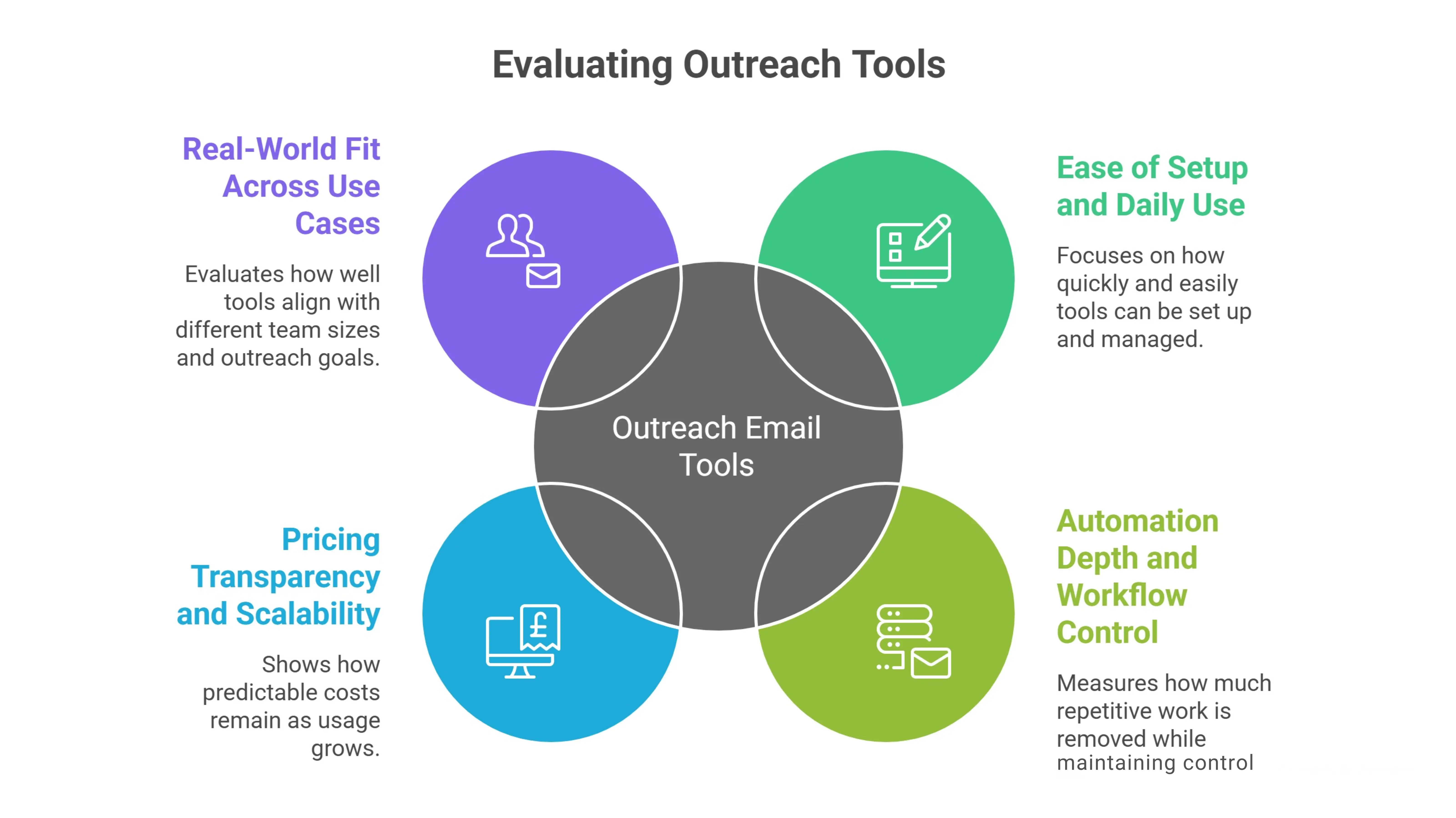
We looked at usability, automation depth, pricing clarity, and real-world fit across different teams.
The goal is to highlight which tools support consistent outreach, not which ones simply look impressive on paper.
Rather than ranking tools universally, this approach evaluates how well each one aligns with specific outreach needs and working styles.
Ease of Setup and Daily Use
Ease of use reflects how quickly a tool can be set up and managed once campaigns are live. Tools with heavy configuration often slow teams down before outreach even starts.
We reviewed onboarding effort, interface clarity, and the amount of manual work required to manage campaigns.
Tools that reduce friction make it easier to stay consistent without repeated setup or constant adjustments.
Automation Depth and Workflow Control
Automation depth measures how much repetitive work a tool removes while still maintaining control.
This includes follow-ups, sequencing logic, and reply handling. As outreach volume increases, shallow automation becomes a bottleneck.
We evaluated whether tools support structured workflows that scale without sacrificing visibility or manual oversight.
Pricing Transparency and Scalability
Pricing clarity shows how predictable costs remain as usage grows. Many tools introduce limits or feature restrictions as teams scale.
We reviewed how pricing changes over time and how upgrades affect workflows. Transparent plans allow teams to scale outreach without unexpected costs or forced changes.
Real-World Fit Across Use Cases
Real-world fit evaluates how well a tool aligns with different team sizes and outreach goals. A tool that works for a solo founder may not suit a sales team or agency.
Instead of declaring a single best option, this criterion highlights which workflows, volumes, and experience levels each tool supports most effectively.
Quick Comparison Table (Best For, Ease of Use & Pricing Snapshot)
Choosing between multiple platforms becomes easier when key differences are visible at a glance.
This comparison table provides a quick snapshot of the best email outreach tools, showing who each tool is best for, how easy it is to use, and where pricing typically starts.
Instead of scanning long descriptions, readers can use this section to narrow down options based on fit and simplicity.
Think of it as a filtering step. Shortlist two or three tools here, then explore the detailed reviews below to confirm which one matches your outreach workflow and goals.
Tool
Best For
Ease of Use
Pricing Snapshot
Oppora
End-to-end AI-driven outreach workflows
Easy
All plans include unlimited emails, campaigns, sequences, and follow-ups; capped only by recipients per month
Saleshandy
Cold email campaigns with tracking
Moderate
Tiered plans with limits on outreach features and usage and separate pricing for separate sales tasks
Woodpecker
Deliverability-focused outreach
Moderate
Tiered pricing with feature and usage restrictions
Lemlist
Highly personalized email outreach
Moderate
Tiered plans with advanced personalization gated in higher tiers
Instantly
Scaling outreach across multiple inboxes
Moderate
Tiered pricing with inbox, sending, and feature limits
Mailshake
Outreach with light sales engagement
Moderate
Tiered plans with caps on sequences and workflow features
Yesware
Email tracking inside Gmail and Outlook
Easy
Tiered pricing based on users and team size
Reply.io
Advanced sequencing and analytics
Moderate
Tiered pricing with automation and feature limits
GMass
Simple outreach from Gmail
Easy
Tiered pricing with sending limits
Klenty
Sales team–focused outbound workflows
Moderate
Tiered plans with CRM and workflow features gated
Smartlead
Deliverability and inbox rotation
Moderate
Tiered pricing with warm-up and inbox limits
Hunter Campaigns
Email discovery plus outreach
Easy
Tiered pricing tied to prospecting and campaign usage
12 Best Email Outreach Tools Compared
Comparing tools only works when each one is reviewed the same way.
This section breaks down the best email outreach tools using a consistent structure.
Every platform is evaluated on core features, ideal use cases, ease of use, pricing approach, and key limitations.
The goal is clarity. You can scan quickly, compare fairly, and understand where each tool fits without jumping between sections or guessing what really matters.
Tool 1 – Oppora
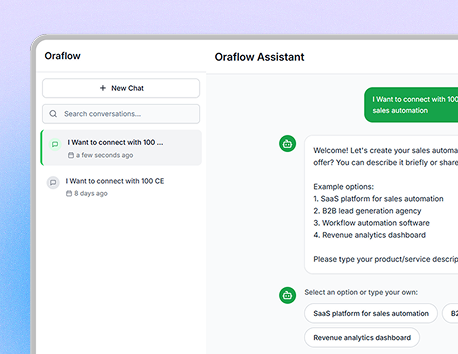
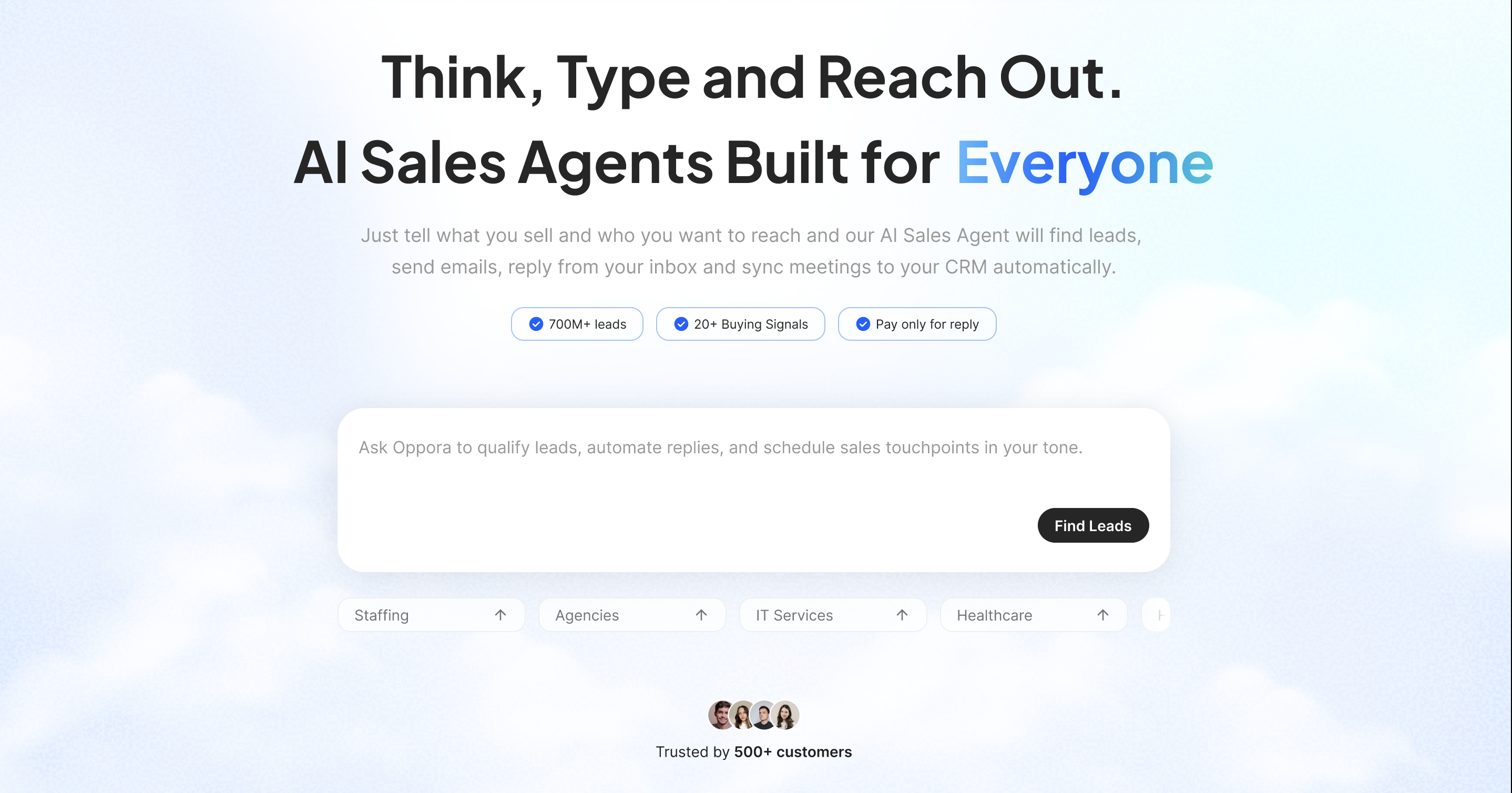
Oppora is an agentic sales platform built to create end-to-end outreach workflows using AI.
Instead of setting up separate tools and complex rules, teams build, run, and adapt workflows by simply chatting with the system similar to how tools like n8n operate.
Lead discovery, enrichment, sequencing, sending, and reply handling all work inside one connected AI-driven flow, reducing manual setup while keeping outreach flexible and adaptive.
Key features
Access to a large-scale 700M+ company and contact database to support consistent outbound prospecting
Built-in email warm-up with controls to protect deliverability as sending volume increases
Support for 50+ mailboxes, enabling parallel outreach without manual setup overhead
Domain rotation and mailbox-level controls to distribute sending activity and reduce spam patterns
Ability to match a lead’s email provider before sending, helping align outreach with inbox behavior
AI-driven personalization that adapts each email before sending, reducing copy fatigue without manual rewrites
Automatic variation of sending behavior to avoid repetitive patterns, minimizing the need to constantly change email copy
Flexible scheduling options, including send intervals, selected days, and per-day sending limits
Automated reply handling through Reply Ora, which can:
Send contextual replies
Share meeting links
Attach and send files automatically
Best for
Teams running continuous outbound without managing plan-based feature unlocks
Users who want predictable pricing while scaling outreach volume
Workflows that require multiple campaigns, follow-ups, and sequences running in parallel
Teams that want automation and enrichment without feature fragmentation
Ease of use score
High fewer plan-based restrictions reduce setup friction and ongoing workflow adjustments
Pricing overview
No separate pricing for lead finding, outreach, cold email, or workflow modules
Unlimited emails, campaigns, sequences, and follow-ups in every plan
Only usage-based cap is the number of recipients per month
Credits are task-specific:
Different actions use different credit buckets
Paid plans support credit rollover
Prospect search is unlimited, but a credit applies for accessing email
Notable limitations
Monthly outreach volume is governed by recipient limits
Teams must monitor recipient usage
Tool 2 – Saleshandy
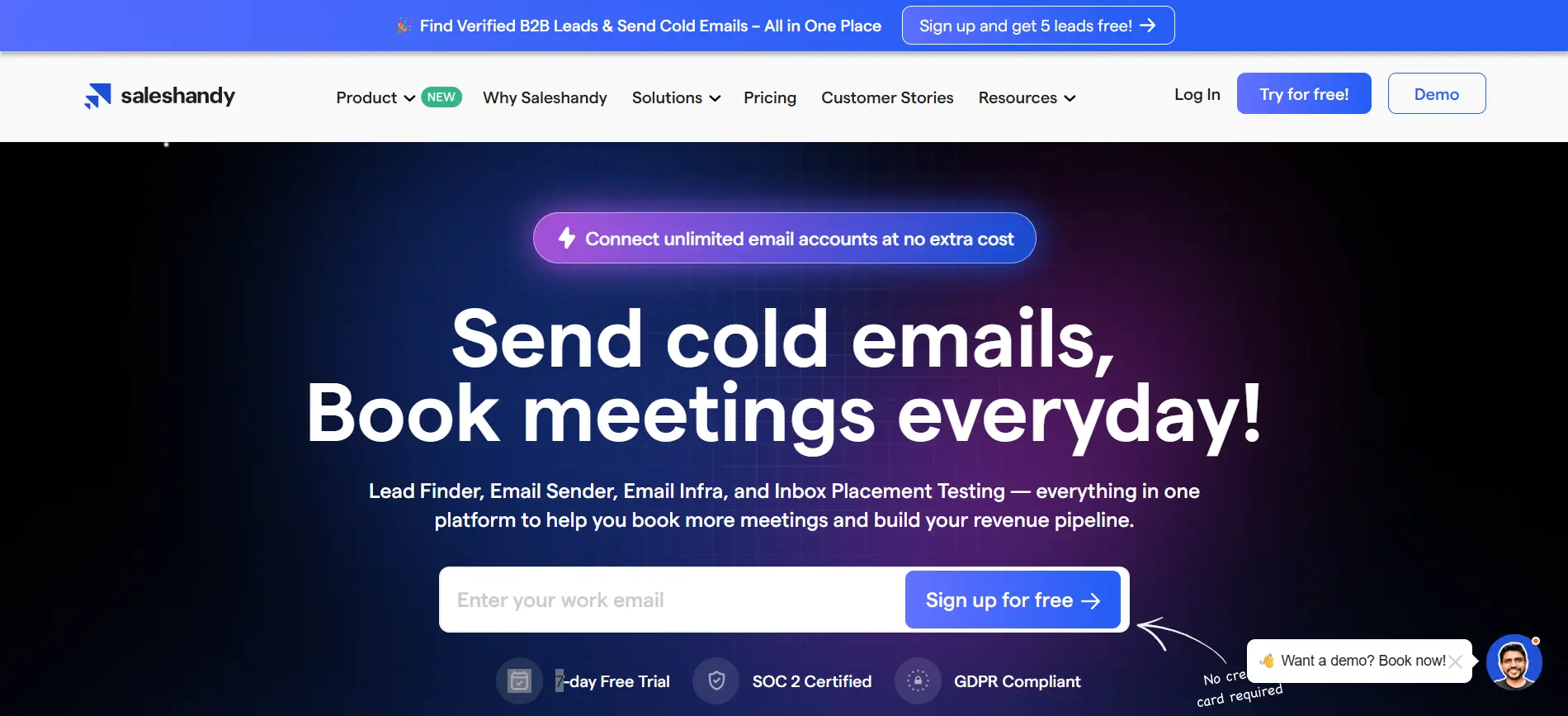
Saleshandy supports automated cold email campaigns with follow-up sequencing and engagement tracking. It suits teams that want visibility into opens, replies, and follow-up performance without dealing with complex setup or advanced workflow configuration.
Key features
Automated cold email sequences with scheduled follow-ups
Basic personalization using variables
Open, click, and reply tracking from a single dashboard
Inbox rotation support for managing outbound at moderate scale
Simple deliverability controls to support consistent sending
Best for
Small teams and individual users running structured cold email campaigns
Users who want visibility into engagement without advanced workflow logic
Outreach setups that don’t require deep automation or branching sequences
Ease of use score
Moderate
Quick setup with a low learning curve
Linear workflows that are easy to manage but less flexible for complex use cases
Pricing overview
Tiered pricing model based on plans
Higher plans unlock increased sending limits and additional features
Outreach and prospect-related usage is governed by plan-level limits, which affects scalability
Notable limitations
Limited workflow customization and automation depth
Advanced features require higher-tier plans
Teams with complex sequencing or multi-layer outreach may outgrow the platform over time
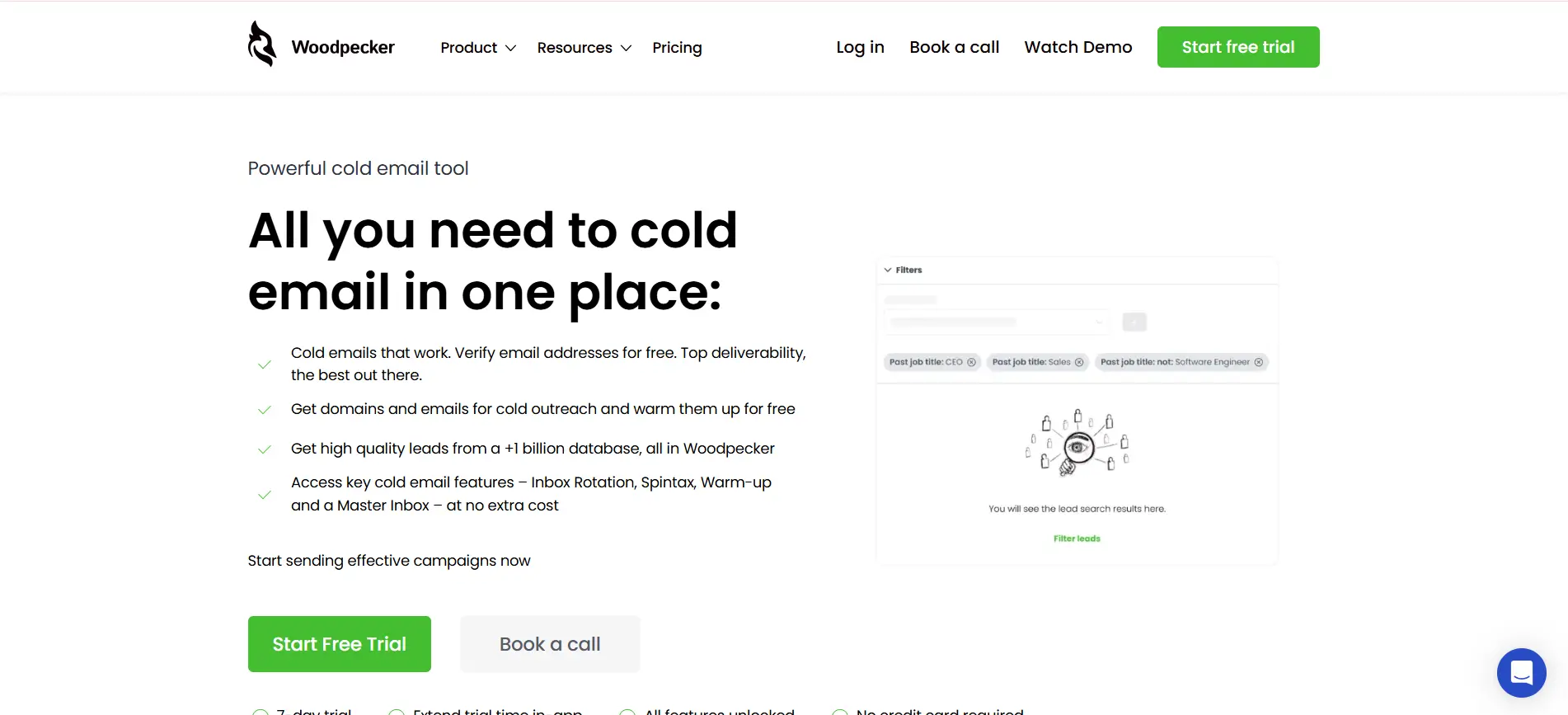
Tool 3 – Woodpecker
Woodpecker focuses on structured outreach with a strong emphasis on deliverability and controlled personalization. It helps teams run consistent follow-ups while keeping campaigns simple, predictable, and easy to manage without adding unnecessary workflow complexity.
Key features
Automated cold email campaigns with time-based follow-ups
Personalization using custom variables and conditional logic
Deliverability-focused sending with built-in safeguards
Reply detection to stop sequences once a response is received
Campaign controls designed to avoid over-sending and spam signals
Best for
Teams that prioritize deliverability over high-volume sending
Users who want predictable, rules-based outreach workflows
Small to mid-sized teams running structured follow-up campaigns
Outreach strategies that rely on consistency rather than experimentation
Ease of use score
Moderate
Clean interface with guided campaign setup
Easy to manage once live, but less flexible for advanced workflows
Pricing overview
Tiered pricing based on plan level
Sending volume and advanced features increase with higher tiers
Some capabilities are restricted at lower plans, requiring upgrades as outreach scales
Notable limitations
Limited automation depth for complex or branching workflows
Fewer options for creative personalization compared to some tools
Not ideal for teams needing high-volume inbox rotation or advanced sequencing logic
Tool 4 – Lemlist
Lemlist is built for teams that rely on strong personalization to stand out in crowded inboxes. It enables dynamic images, videos, and custom variables, making it useful for outreach strategies where message differentiation matters more than raw sending volume.
Key features
Advanced personalization using dynamic images and video thumbnails
Custom variables to tailor messaging at scale
Automated email sequences with scheduled follow-ups
Basic deliverability tools to support consistent sending
Campaign analytics to track opens, clicks, and replies
Best for
Teams that prioritize creative, highly personalized outreach
Campaigns where visual differentiation improves response rates
Sales and marketing teams running targeted outbound campaigns
Use cases where message quality matters more than automation depth
Ease of use score
Moderate
Interface is intuitive, but personalization features add setup time
Campaign creation is straightforward once templates are prepared
Pricing overview
Tiered pricing based on feature access
Advanced personalization features are available in higher plans
Sending limits and campaign capacity vary by tier
Costs can increase as teams scale personalization-heavy campaigns
Notable limitations
Setup time can increase with complex personalization
Less flexible for advanced workflow automation
Not ideal for teams focused on high-volume or inbox-rotation strategies
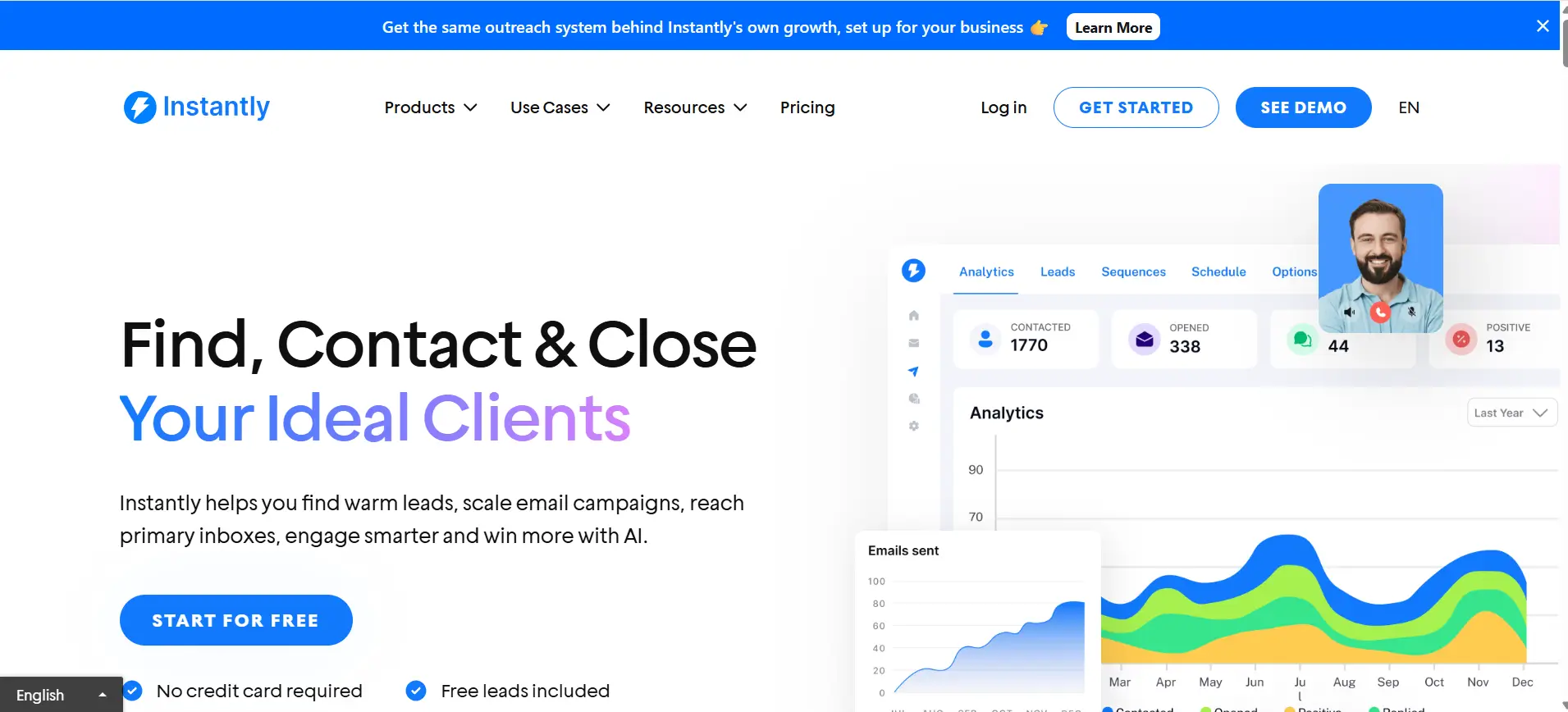
Tool 5 – Instantly
Instantly is designed for teams that want to scale outreach by sending from multiple inboxes. It focuses on higher sending capacity, inbox rotation, and basic deliverability safeguards to support volume-driven cold email campaigns.
Key features
Multi-inbox support to distribute sending volume
Inbox rotation to reduce risk of deliverability issues
Automated cold email sequences with scheduled follow-ups
Basic warm-up and deliverability controls
Central dashboard to manage campaigns across inboxes
Best for
Teams running high-volume outbound campaigns
Agencies managing outreach across multiple inboxes
Users focused on scaling sends rather than deep personalization
Outreach strategies where volume is prioritized over workflow complexity
Ease of use score
Moderate
Inbox setup and campaign launch are straightforward
Managing multiple inboxes adds some operational overhead as scale increases
Pricing overview
Tiered pricing model based on usage and features
Higher plans allow more inboxes and increased sending capacity
Certain deliverability and automation features are gated at higher tiers
Costs tend to rise as inbox count and volume scale
Notable limitations
Limited depth in workflow automation and sequencing logic
Personalization options are basic compared to some tools
Managing many inboxes can become complex over time
Not ideal for teams that need advanced reply handling or conditional workflows
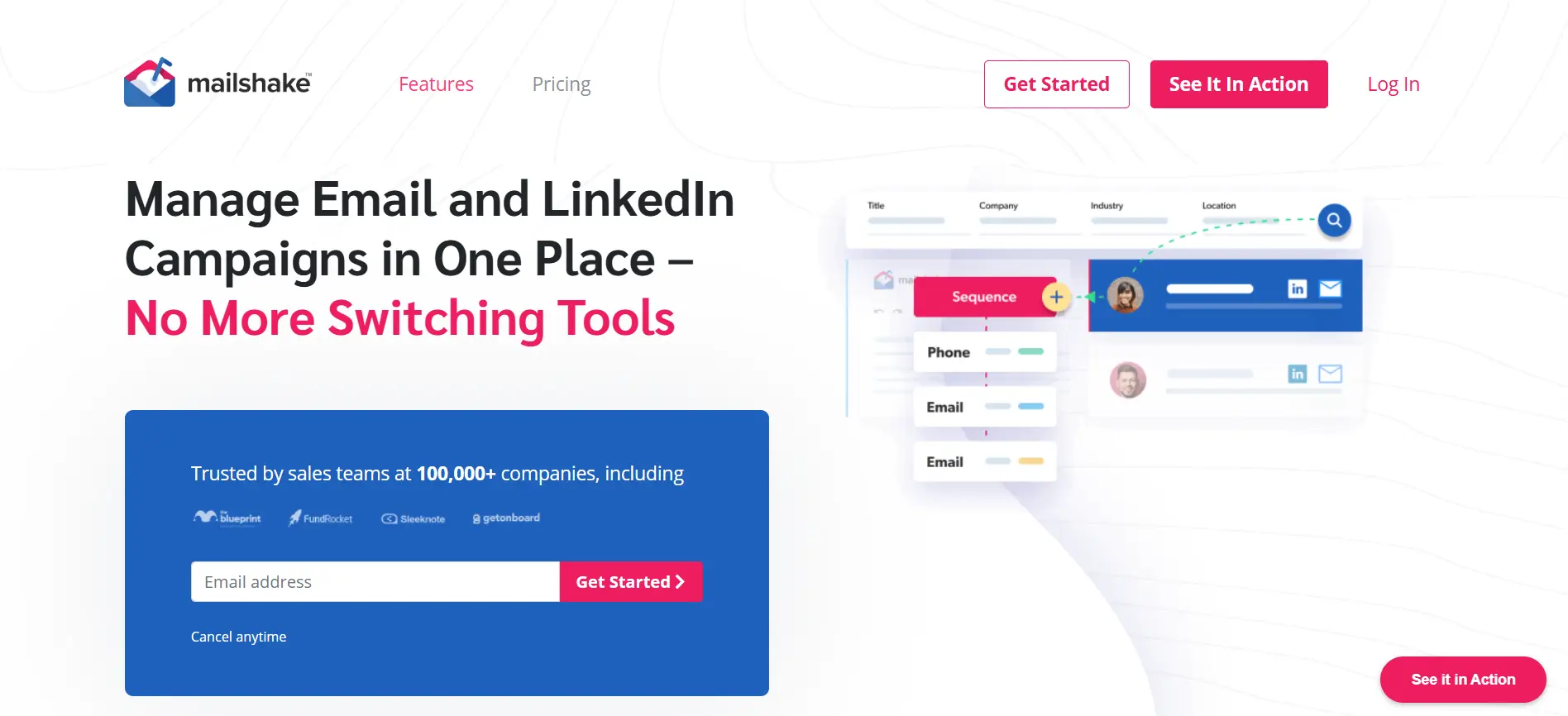
Tool 6 – Mailshake
Mailshake blends cold email outreach with light sales engagement features. It works well for teams that want email campaigns combined with simple task management and structured follow-up workflows, without moving into complex automation or multi-channel orchestration.
Key features
Cold email campaigns with automated follow-ups
Basic personalization using variables
Task management to track calls and manual follow-ups
Email engagement tracking for opens and replies
Simple integrations with common CRM and sales tools
Best for
Small to mid-sized teams running outbound email with light engagement needs
Sales teams that want outreach and task tracking in one place
Workflows that combine automated emails with manual follow-up actions
Teams that don’t require advanced sequencing or conditional automation
Ease of use score
Moderate
Campaign setup is straightforward and guided
Interface is easy to navigate, especially for non-technical users
Workflow depth is limited, which keeps usage simple
Pricing overview
Tiered pricing based on feature access
Higher plans unlock additional engagement and integration capabilities
Sending volume and workflow features are governed by plan level
Costs increase as teams add users or expand engagement features
Notable limitations
Limited automation depth compared to advanced outreach platforms
Personalization options are basic
Not designed for high-volume inbox rotation
May feel restrictive for teams with complex outreach workflows
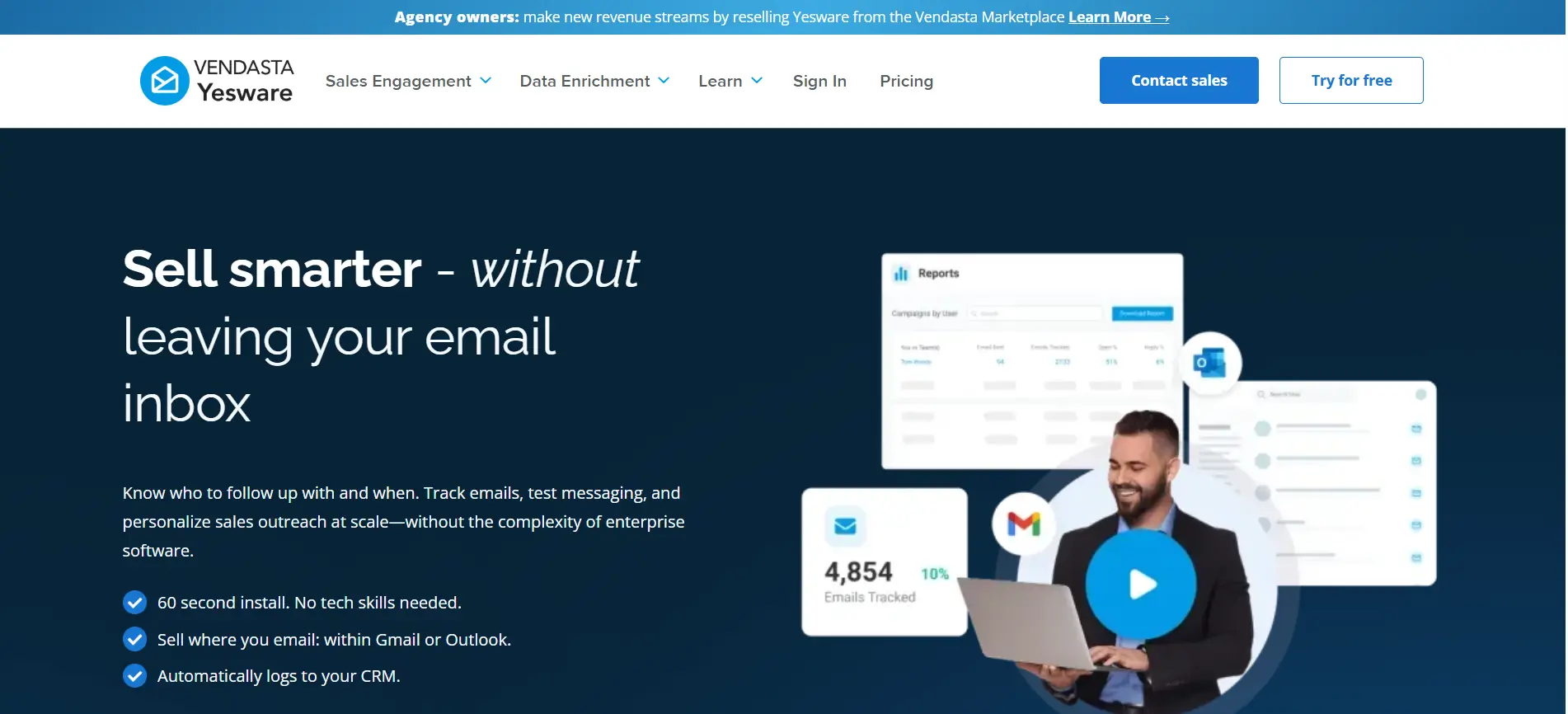
Tool 7 – Yesware
Yesware focuses on email tracking and engagement insights inside Gmail and Outlook. It’s built for teams that want clear visibility into prospect behavior—such as opens and replies without relying heavily on automation or complex outreach workflows.
Key features
Real-time email open and reply tracking
Activity insights directly within Gmail and Outlook
Email templates to support consistent messaging
Basic reporting to understand engagement trends
CRM sync to log email activity automatically
Best for
Sales teams that live inside Gmail or Outlook
Users who want engagement visibility without full automation
Account-based or relationship-driven outreach
Teams prioritizing insight over sending volume
Ease of use score
Easy
Minimal setup with quick onboarding
Familiar email interface reduces learning curve
Limited configuration keeps usage straightforward
Pricing overview
Tiered pricing based on users and plan level
Core tracking features available across plans
Advanced reporting and team features unlocked at higher tiers
Pricing scales primarily with team size
Notable limitations
Limited automation and sequencing capabilities
Not designed for high-volume cold outreach
Lacks advanced workflow controls and inbox rotation
Better suited for visibility than execution at scale
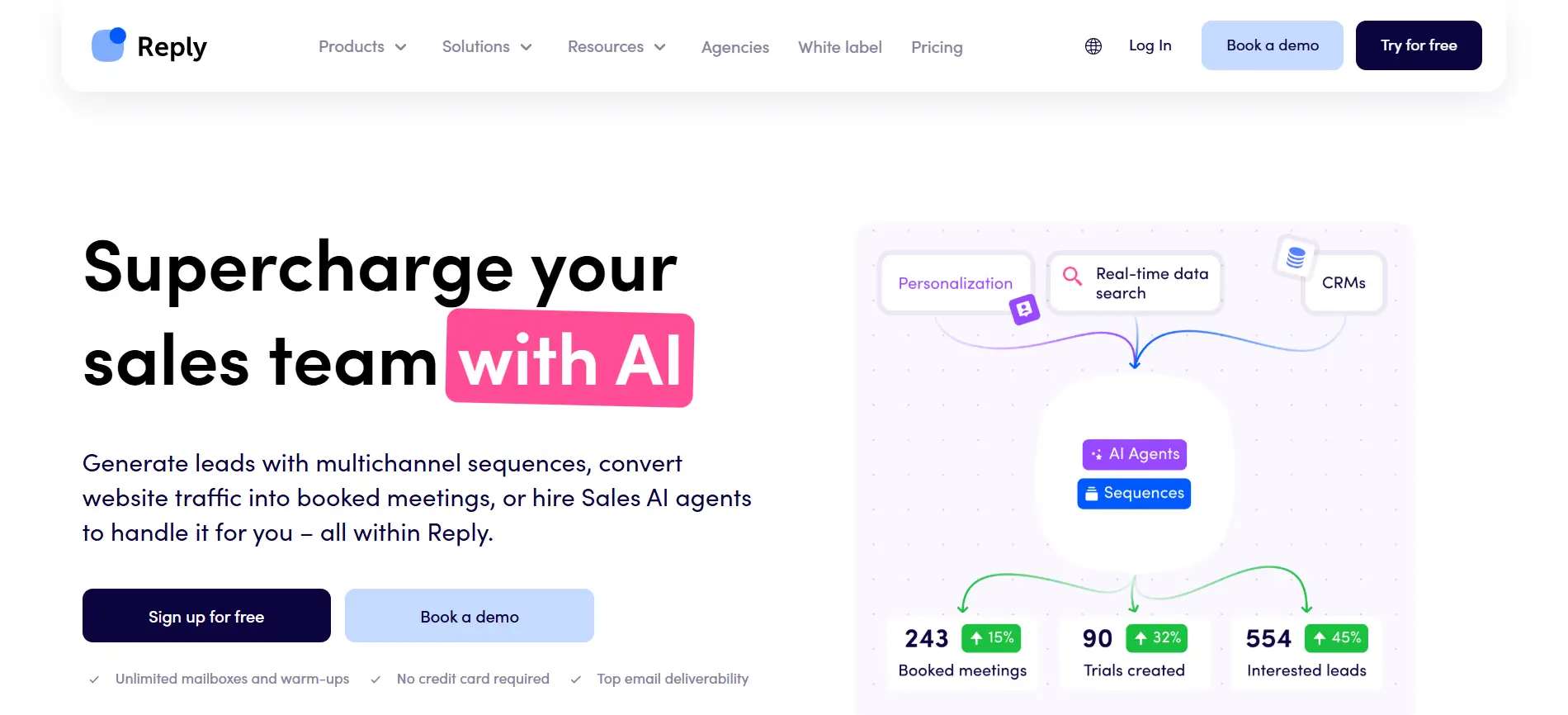
Tool 8 – Reply.io
Reply.io provides advanced sequencing and analytics for outbound campaigns. It’s built for teams that need deeper automation, structured reporting, and multi-step outreach workflows across email and other channels.
Key features
Multi-step outreach sequences with conditional logic
Automated follow-ups based on prospect behavior
Detailed analytics for opens, replies, and performance trends
Multi-channel support beyond email (where enabled)
Central dashboard for managing campaigns and reporting
Best for
Sales teams running structured outbound programs
Organizations that rely on analytics to optimize outreach
Teams needing deeper automation than basic email sequencing
Workflows that involve multiple steps and decision points
Ease of use score
Moderate
Setup requires more configuration compared to simpler tools
Interface offers flexibility but comes with a learning curve
Better suited for teams familiar with outbound processes
Pricing overview
Tiered pricing based on features and usage
Advanced automation and reporting available in higher plans
Costs increase as teams add users and channels
Pricing structure favors teams with defined outbound processes
Notable limitations
Can feel complex for small teams or solo users
Setup time is higher compared to lightweight tools
Not ideal for users seeking quick, minimal-configuration outreach
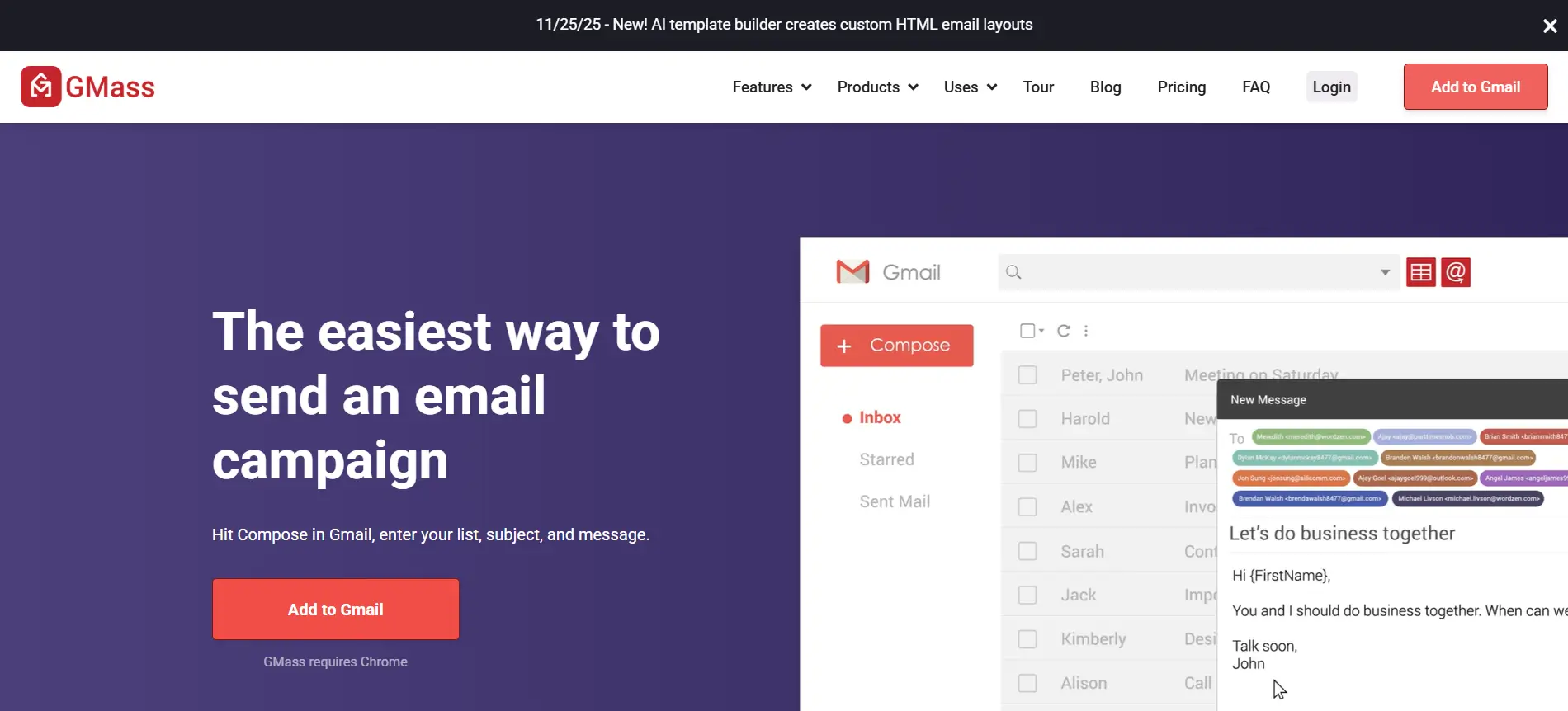
Tool 9 – GMass
GMass lets users run email outreach directly from Gmail. It’s a lightweight option for simple campaigns that don’t require complex automation, multi-step workflows, or separate dashboards.
Key features
Send bulk emails directly from a Gmail account
Simple personalization using spreadsheet-based variables
Open and click tracking inside Gmail
Basic follow-up support for non-responders
Google Sheets integration for contact management
Best for
Solo users and small teams running simple outreach
Campaigns that need quick setup without learning new tools
Users who prefer working entirely inside Gmail
Low-volume outreach that doesn’t require advanced sequencing
Ease of use score
Easy
Minimal setup and fast onboarding
Familiar Gmail interface keeps the learning curve low
Limited configuration keeps usage straightforward
Pricing overview
Tiered pricing based on plan level
Sending limits apply depending on subscription
Most features are included across plans, with volume restrictions
Pricing is generally predictable for small-scale outreach
Notable limitations
Limited automation and workflow control
Not designed for high-volume or multi-inbox outreach
Lacks advanced analytics and reporting
Less suitable for teams needing scalable outbound systems
Tool 10 – Klenty
Klenty supports structured outbound workflows with built-in CRM integrations. It suits sales-driven teams that prioritize pipeline consistency, coordinated outreach, and clear handoffs between outreach and deal management.
Key features
Automated email sequences designed for outbound sales
CRM integrations to sync activity and pipeline updates
Task prompts to guide follow-ups and next actions
Basic personalization using variables
Reporting to track outreach activity and performance
Best for
Sales teams focused on pipeline execution and follow-up discipline
Organizations that rely on CRM-driven workflows
Outbound programs that need coordination across reps
Teams running structured, repeatable outreach processes
Ease of use score
Moderate
Setup is guided, especially with CRM connections
Interface is sales-oriented but requires some onboarding
Workflow structure favors consistency over flexibility
Pricing overview
Tiered pricing based on users and features
CRM integrations and advanced capabilities available in higher plans
Outreach capacity and reporting depth vary by tier
Costs increase as teams scale seats and functionality
Notable limitations
Less flexible for experimental or creative outreach
Automation depth is limited compared to advanced sequencing tools
Not ideal for high-volume inbox rotation
Better suited for sales teams than solo users or agencies
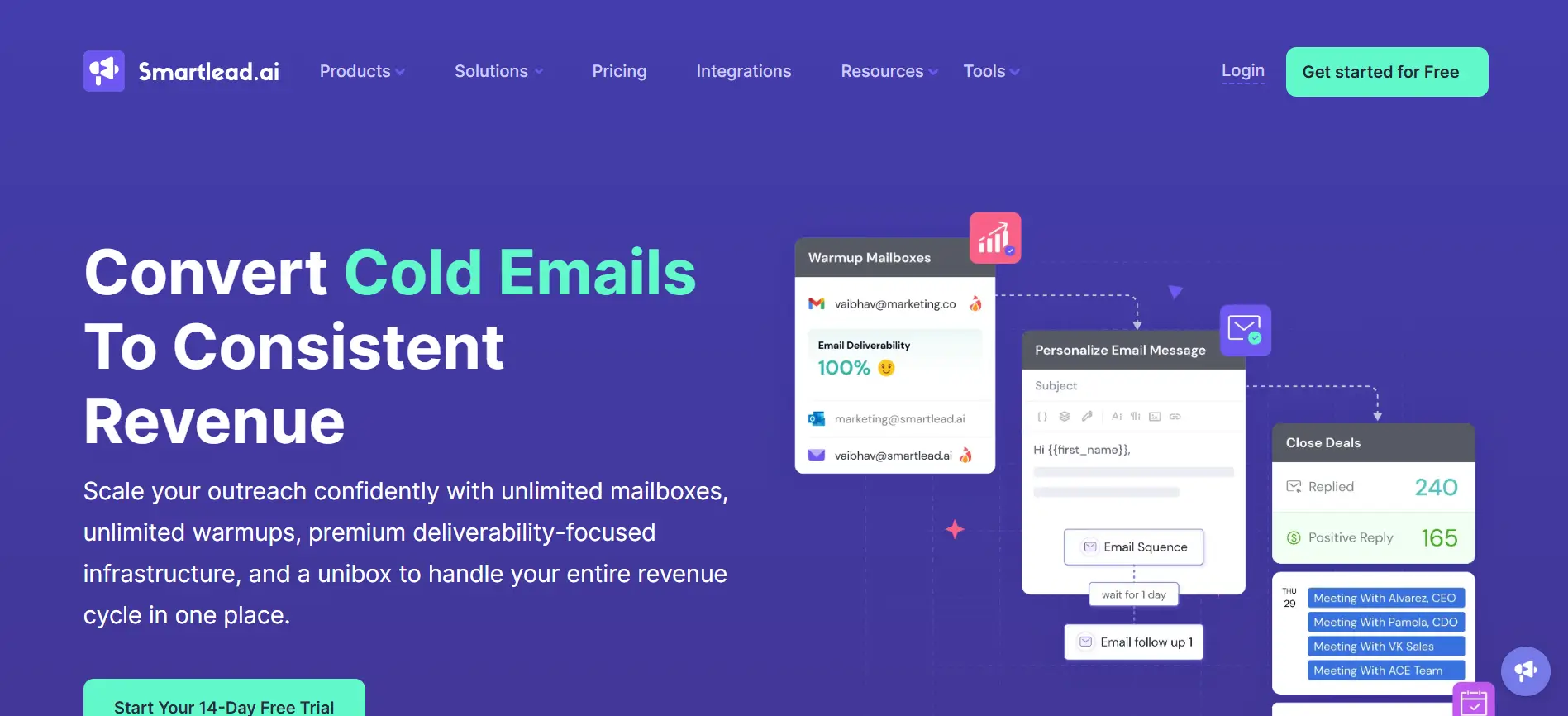
Tool 11 – Smartlead
Smartlead focuses on inbox rotation and warm-up to support deliverability at scale. It’s designed for teams running larger outreach campaigns that need to protect sender reputation while maintaining consistent sending activity across multiple inboxes.
Key features
Inbox rotation to distribute sending volume
Built-in warm-up features to support deliverability
Automated cold email sequences with follow-ups
Central dashboard to manage multiple inboxes
Basic analytics to monitor outreach performance
Best for
Teams running large-scale outbound campaigns
Agencies managing outreach across multiple inboxes
Users who prioritize deliverability and sender health
Outreach strategies focused on volume and consistency
Ease of use score
Moderate
Initial setup requires inbox configuration and warm-up planning
Campaign management is straightforward once inboxes are connected
Operational overhead increases as inbox count grows
Pricing overview
Tiered pricing based on inbox count and usage
Higher plans unlock additional inboxes and sending capacity
Some deliverability features are plan-dependent
Costs increase as outreach volume and inbox usage scale
Notable limitations
Limited depth in workflow automation
Personalization options are basic
Managing many inboxes can become operationally heavy
Less suited for teams needing advanced sequencing logic or reply handling
Tool 12 – Hunter Campaigns
Hunter Campaigns combines email discovery with outreach in a single workflow. It works well for teams that want to find prospects and launch simple campaigns without switching between separate prospecting and sending tools.
Key features
Built-in email discovery tied directly to outreach campaigns
Verification to help reduce bounce rates before sending
Simple email sequences with scheduled follow-ups
Campaign analytics for opens and replies
Central workspace to manage prospects and campaigns together
Best for
Teams that want prospecting and outreach in one place
Use cases where simplicity matters more than automation depth
Ease of use score
Easy
Minimal setup and clear workflow
Prospecting and outreach steps are tightly connected
Limited configuration keeps usage simple and predictable
Pricing overview
Tiered pricing based on usage and plan level
Prospecting and campaign activity consume plan allowances
Higher tiers unlock increased limits for searches and campaigns
Costs scale as outreach volume and prospecting needs grow
Notable limitations
Limited automation and sequencing flexibility
Not designed for high-volume or multi-inbox outreach
Fewer workflow controls compared to advanced platforms
Better suited for simple campaigns than complex outbound systems
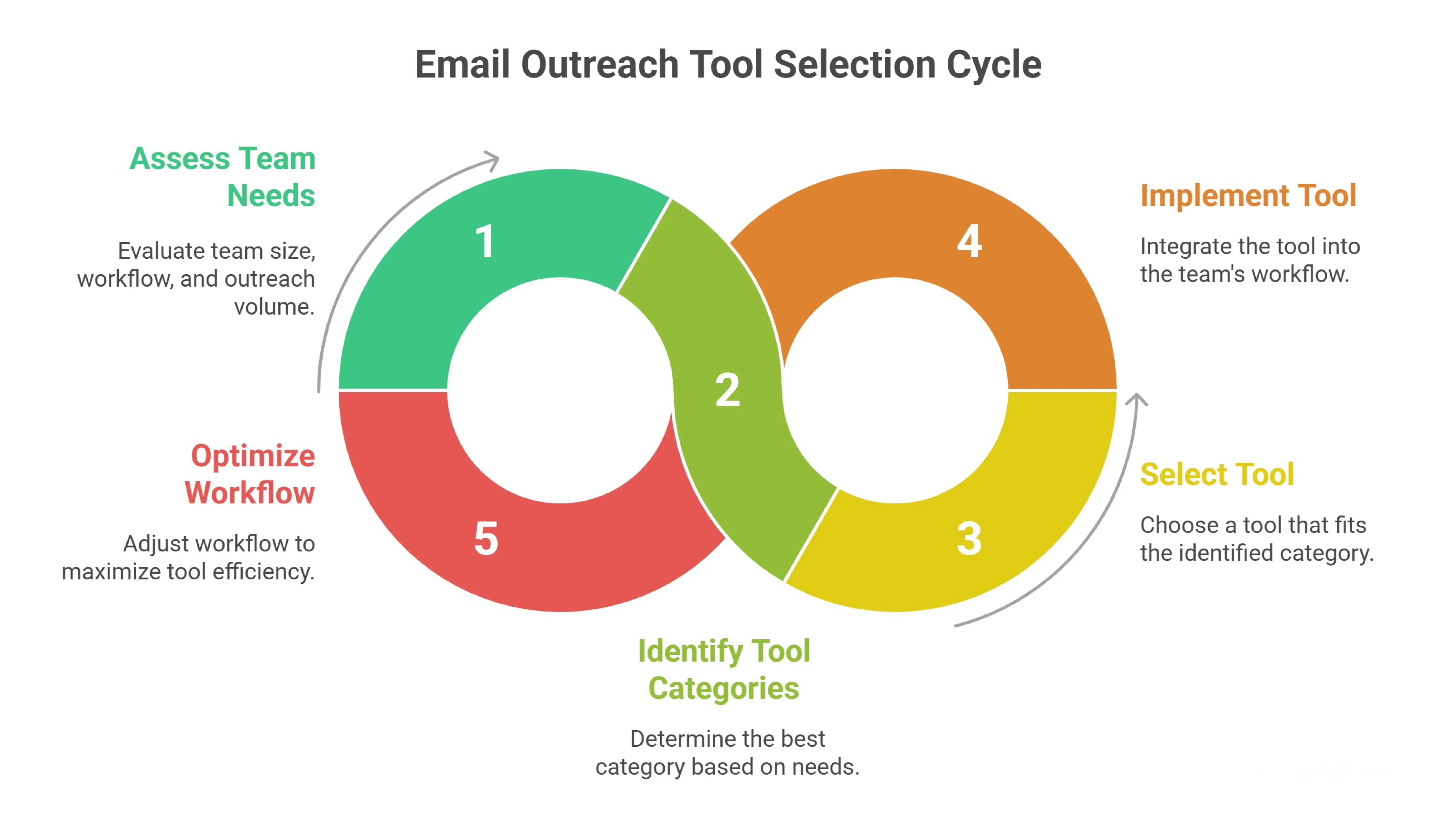
How to Choose the Right Email Outreach Tool for Your Use Case
Choosing between email outreach tools isn’t about picking the most popular name.
The right option depends on how your team works, how much outreach you run, and how complex your workflow needs to be.
Some tools are built for speed and simplicity.Others are designed for structure, scale, or collaboration.
This section helps you match your use case to the right category, so you choose a tool that fits your workflow instead of adjusting your workflow to fit the tool.
For Founders & Small Teams
Founders often manage outreach alongside many other responsibilities.
A free email outreach tool or lightweight platform works best when setup is fast and daily use is simple.
The focus should be on getting campaigns live quickly, tracking replies, and following up without manual effort.
Too much automation or configuration can slow things down.For small teams, simplicity and reliability matter more than advanced features.
For Sales Teams
Sales teams need structure and consistency.
The best email outreach tool for sales supports collaboration, reporting, and CRM alignment.
Visibility into opens, replies, and follow-up activity helps teams stay accountable.
Clear workflows also make it easier to hand off leads and maintain pipeline discipline.
Here, predictable execution matters more than sending high volumes of emails.
For Agencies & Recruiters
Agencies and recruiters operate at higher scale.
An effective outreach email tool must support multiple inboxes, parallel campaigns, and strong deliverability controls.
Managing volume without breaking workflows is critical.Tools should make it easy to rotate inboxes, control sending behavior, and maintain consistency across client or role-based campaigns.
Scalability and control are the deciding factors in this category.
Why Oppora Is a Top Pick Among Email Outreach Tools
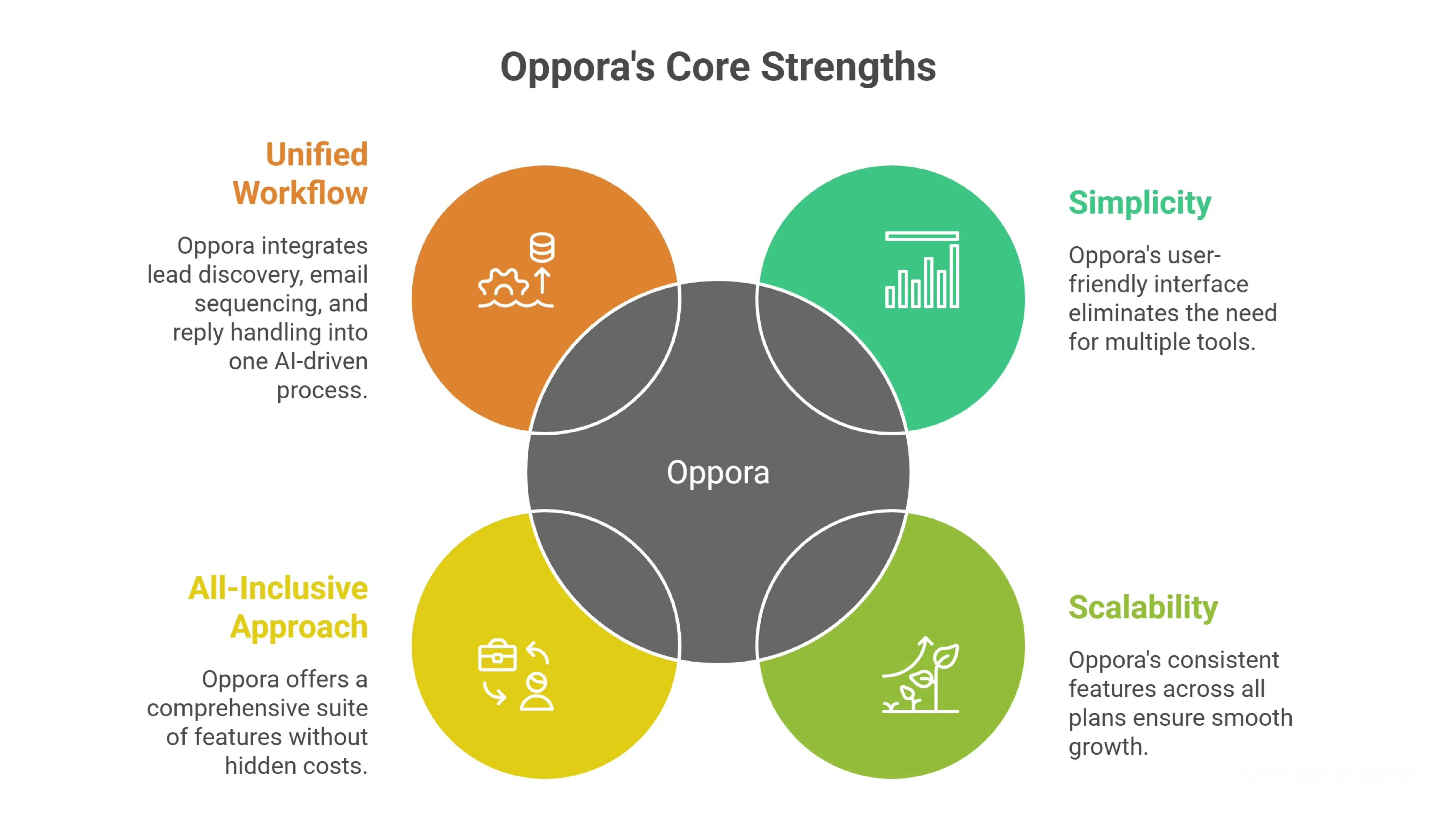
Oppora stands out for its simplicity and scalability, offering a unified workflow that eliminates the need for multiple tools or complex feature unlocks.
While many email outreach platforms introduce limitations or additional costs as teams scale, Oppora keeps its core capabilities consistent across all plans.
This ensures a smooth, predictable experience without the need for constant adjustments or upgrading to higher-tier plans.
Unlike some platforms that separate features like email sending volume, lead database access, or workflow management, Oppora offers an all-inclusive approach.
The platform's only usage-based cap is the number of recipients per month, which makes scaling straightforward and easy to manage.
What truly sets Oppora apart is its unified workflow. Lead discovery, enrichment, email sequencing, sending, and reply handling are all integrated into one AI-driven process.
This approach simplifies the workflow, reduces manual setup, and ensures consistency across campaigns.
Whether you're managing multiple campaigns or scaling your outreach efforts, Oppora’s workflow is designed to adapt to your needs without the usual complexity or fragmentation.
This makes Oppora an ideal choice for teams seeking flexibility, scalability, and a predictable pricing model without sacrificing performance.
Conclusion
We’ve covered how different email outreach tools support different goals, team sizes, and outreach styles.
The right choice isn’t about features alone.It’s about fit.
Match the tool to your workflow, outreach volume, and experience level.Then refine how you use it through testing, consistency, and thoughtful execution.
Strong outreach comes from alignment between strategy and execution not from chasing tools that don’t fit how you actually work.
Frequently Asked Questions (FAQs)
How often should I switch or upgrade an email outreach tool?
You should only consider switching when your outreach volume, team size, or workflow complexity outgrows your current setup. Frequent tool changes usually signal process issues rather than tool limitations.
Do email outreach tools affect email deliverability directly?
Tools don’t guarantee deliverability, but sending behavior, warm-up support, inbox management, and automation controls can influence sender reputation when used correctly.
Is a single outreach tool enough, or do teams usually stack tools?
Many teams start with one tool, but complexity can push them toward stacking. Tools that combine discovery, sending, and reply handling reduce the need for multiple systems.
How long does it take to see results from email outreach?
Most teams begin seeing signals like opens and replies within a few weeks. Meaningful results depend on targeting quality, message relevance, and consistent follow-up.
Are email outreach tools suitable for non-sales use cases?Yes. Beyond sales, they’re often used for partnerships, recruiting, link building, and research outreach, as long as campaigns are personalized and responsibly managed.