Home
Blog
Oppora's Claude MCP is Live. Connect our Email Database & Outreach features with any tool to build smart automations inside Claude. Start for Free
Home
Blog
Stephen Parker
Published June 24, 2026
19 min
Try Oppora AI
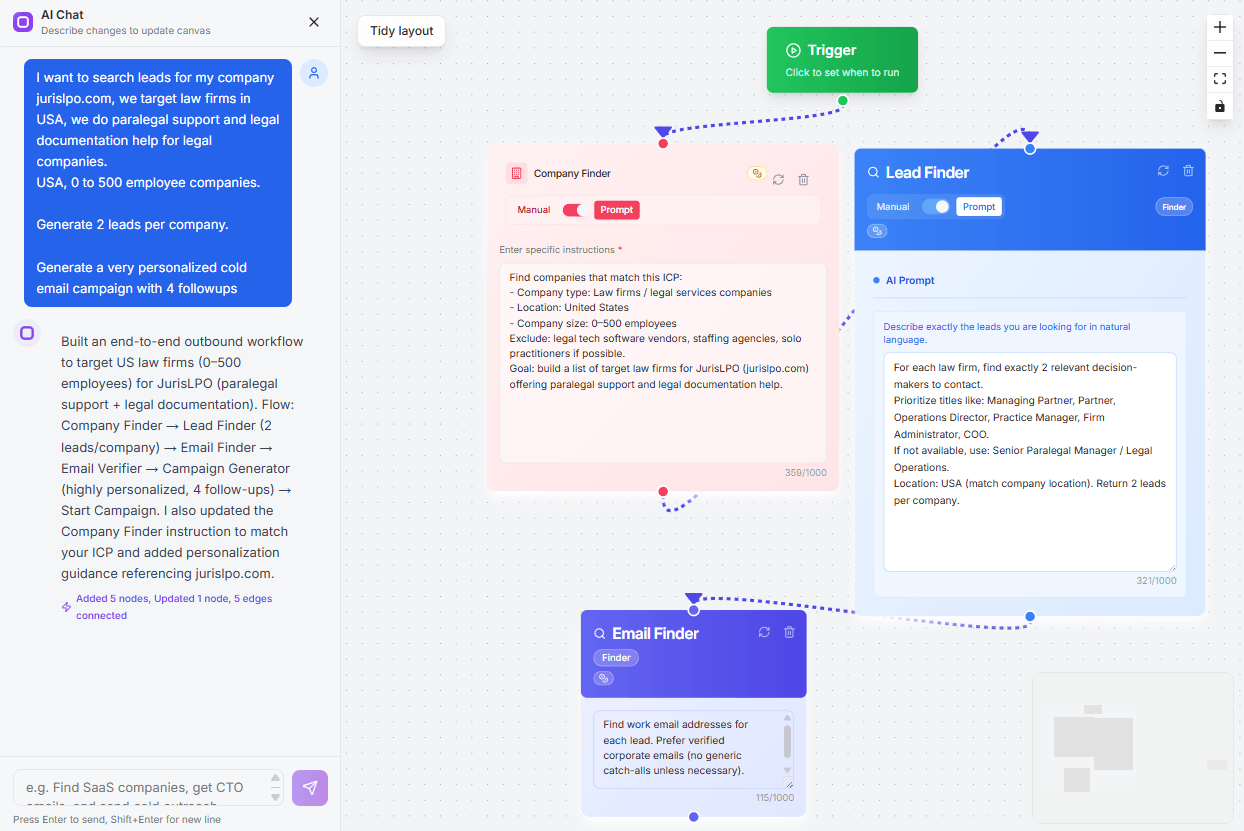
Create Self-Running Agentic Sales Workflows like N8N just by chatting with AI
Get Started for FREE
Claude is already powerful, but MCP servers can turn it from a smart chatbot into a real working assistant.
Instead of copying, pasting, searching, checking docs, opening tools, and repeating the same prompts, you can connect Claude for sales directly to the systems you already use.
That is why MCP has exploded so quickly.
But here is the problem.
Most “best MCP server” lists keep recommending the same obvious choices, like GitHub and Filesystem. Useful? Yes. But not always the highest-impact picks.
Some lesser-known MCP servers can save you more time, unlock better research, automate workflows, and make Claude feel dramatically more capable.
In this guide, you’ll discover:
Before you install an MCP server, ask one simple question.
Will this make Claude more useful, or will it just add another tool to manage?
A good MCP server should help Claude do something it cannot easily do alone. It should save time, reduce manual work, and fit naturally into your workflow.
Here is what makes an MCP server worth installing:
The goal is not to install the most MCP servers.
The goal is to install the few that make Claude noticeably better for your work.
Not every MCP server deserves a place in your Claude setup.
Some look exciting on GitHub, but do very little in real work. Others solve one clear problem so well that they become part of your daily workflow.
So this list focuses on practical value, not hype.
Here is the criteria used to pick these 11 Claude MCP servers:
In simple terms, these are not just “interesting” MCP servers.
They are tools that can make Claude more capable, more connected, and more useful in everyday work.
Now that you know what makes an MCP server useful, let’s look at the ones that can actually change how Claude works for you.
This list is not just about popularity.
It is about servers that solve real workflow problems, reduce manual effort, and give Claude practical capabilities you can use every day.
Best Claude MCP Server for AI-Powered Prospect Research & Sales Outreach
If you use Claude for prospecting, lead generation, or outbound sales, you know it doesn't have its own prospect database.
That's where Oppora.ai enhances the process, making it one of the most practical MCP servers you can install.
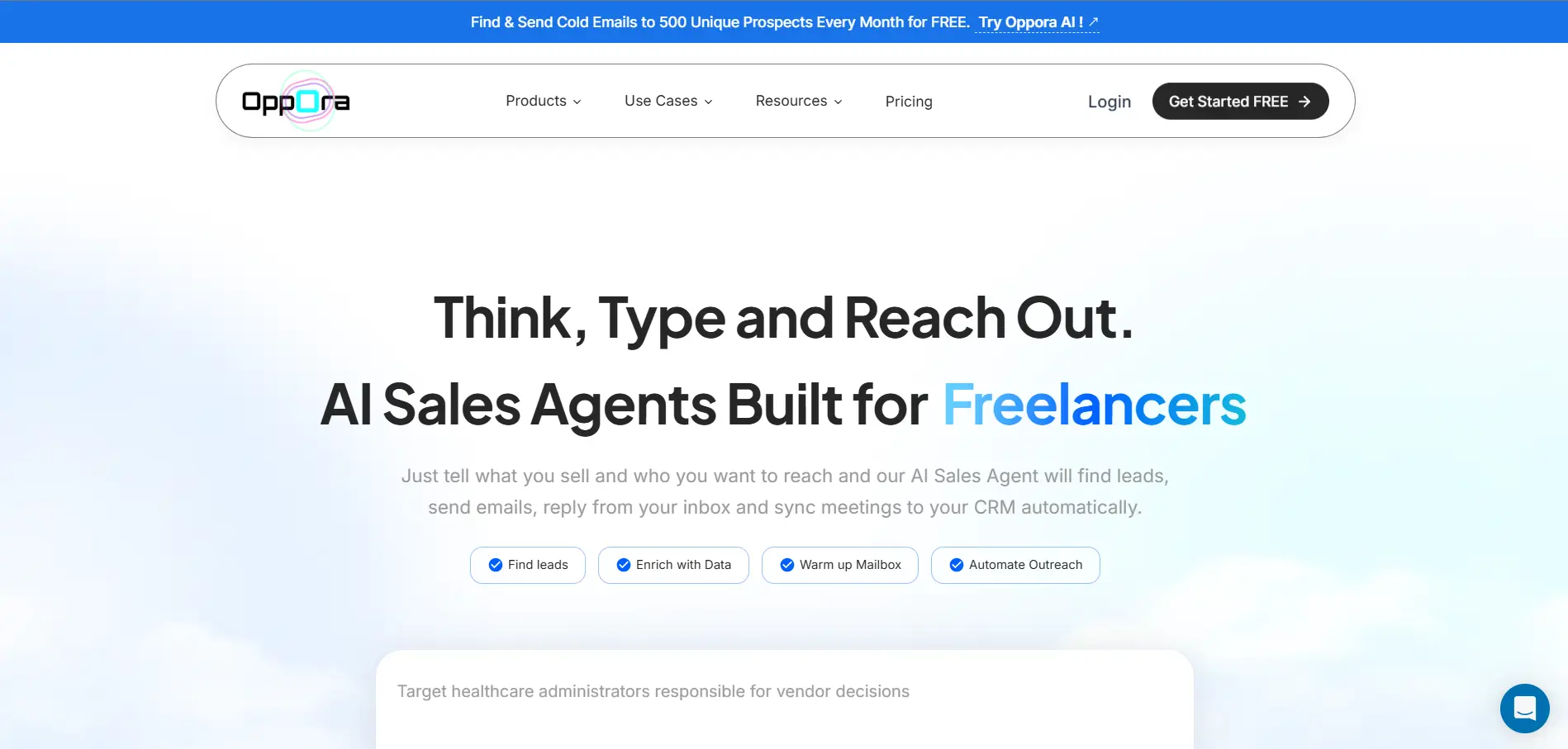
Oppora.ai is an AI-powered sales platform with a database of 1B+ leads that helps you find companies, identify decision-makers, discover verified emails and phone numbers, build prospect lists, and launch personalized outreach campaigns.
It also enables you to create self-running outreach workflows similar to n8n, automating prospecting, follow-ups, CRM updates, and multi-step sales processes from a single platform.
Now normally, you would need to sign in to Oppora.ai, navigate different workflows, search for prospects, enrich contacts, build lists, and manually create campaigns.
With the Oppora.ai MCP server, Claude becomes the interface.
Instead of switching between Claude and the Oppora.ai dashboard, you can simply ask Claude to perform those actions for you.
You can use prompts like:
The real power comes from combining Claude's reasoning with Oppora's prospecting capabilities.
For example:
You can ask Claude to analyze recent Product Hunt launches, identify relevant companies, pull their websites, and then use Oppora.ai to find decision-maker contact details and create an outreach campaign automatically.
You can also combine Oppora.ai with other MCP tools and platforms.
Claude can send data to Google Sheets, trigger outreach through HeyReach, enrich existing lead lists, or build multi-step workflows that connect research, prospecting, and outreach into a single process.
Instead of using Claude only for research, Oppora helps turn it into a complete prospecting and sales execution assistant.
Best For: Founders, Agencies, SDRs, Sales Teams, and Freelancers.
Suggested Reading:
How to Use MCP to Manage Email Marketing Workflows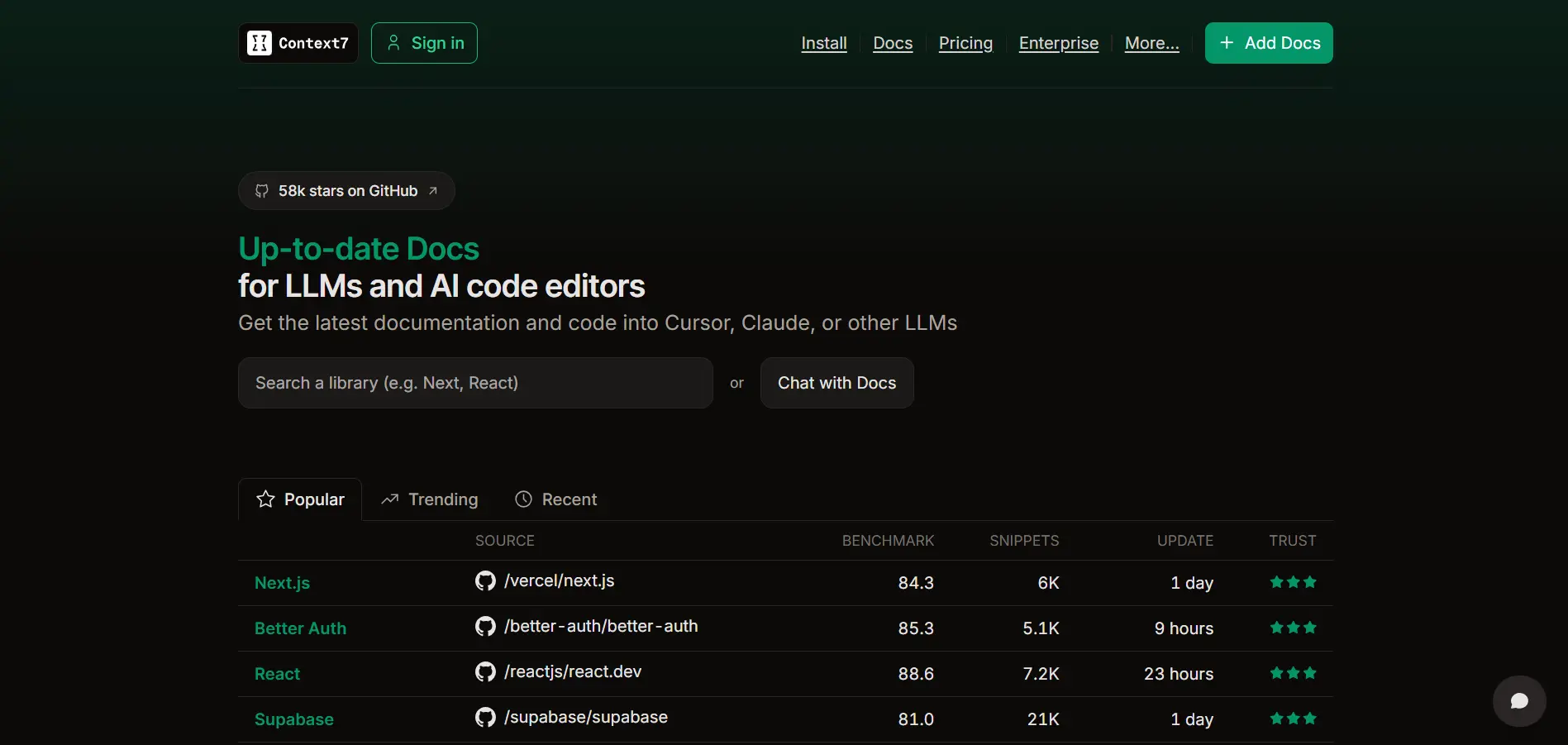
If you use Claude for coding, one problem shows up fast.
Claude can write good code, but it may not always know the latest version of a framework, library, or API.
That becomes frustrating when you are working with tools like Next.js, Supabase, Tailwind, LangChain, Prisma, Stripe, or any SDK that changes often.
Context7 solves this by pulling up-to-date, version-specific documentation and code examples directly into Claude’s context. So instead of Claude guessing from old training data, it can answer using current docs. (GitHub)
Normally, you would open documentation, search for the right page, copy examples, paste them into Claude, and explain which version you are using.
With Context7 MCP, Claude can fetch the relevant documentation while you work.
You can use prompts like:
The real value is accuracy.
Context7 helps reduce hallucinated APIs, outdated syntax, and broken code examples. That makes it especially useful when you are working with fast-moving frameworks or unfamiliar libraries.
It is not only for writing new code.
You can also use it for debugging, migration planning, dependency upgrades, and checking whether Claude’s suggested approach matches the official documentation.
Best For: Developers, technical founders, AI builders, indie hackers, and anyone using Claude for coding.
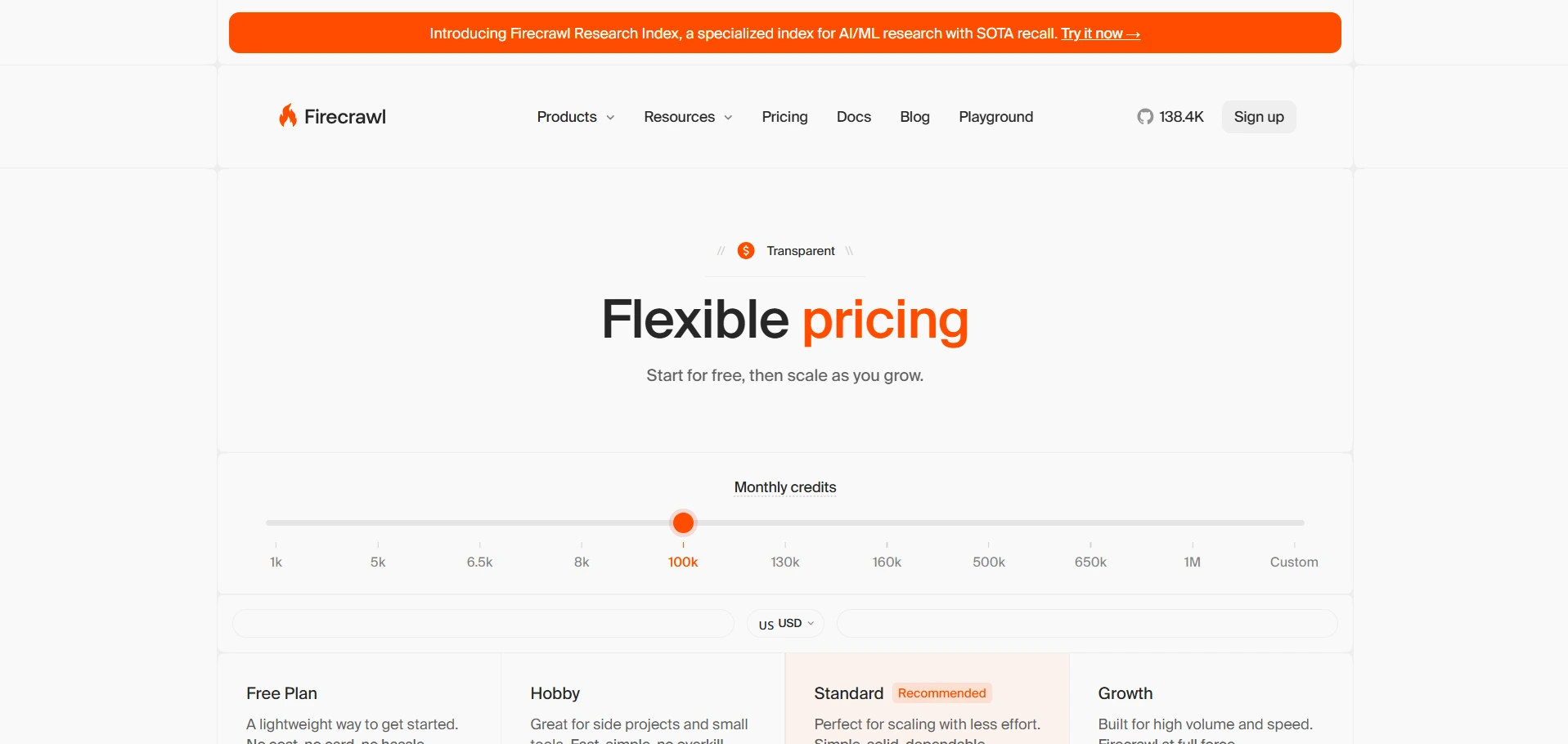
Claude is great at analyzing information, but it cannot always read messy websites cleanly on its own.
That is where Firecrawl MCP becomes useful.
Firecrawl helps turn websites into clean, structured, AI-readable content. Instead of copying page text manually, removing menus, ignoring popups, and pasting broken content into Claude, you can use Firecrawl to collect website data in a format Claude can actually work with.
This is especially helpful when you are analyzing competitor websites, documentation pages, landing pages, blogs, help centers, directories, or large content libraries.
You can use prompts like:
The real value is that Firecrawl helps Claude work with websites at scale.
Instead of reading one page at a time, you can collect structured information from multiple pages and ask Claude to compare, summarize, classify, or turn it into usable insights.
For marketers, this can support content research and competitor analysis.
For founders, it can help with market research.
For developers, it can turn documentation into cleaner context for AI workflows.
It is not just a scraper.
It is a bridge between messy web pages and Claude’s reasoning ability.
Best For: Marketers, founders, researchers, content teams, AI builders, and developers working with web-based knowledge.
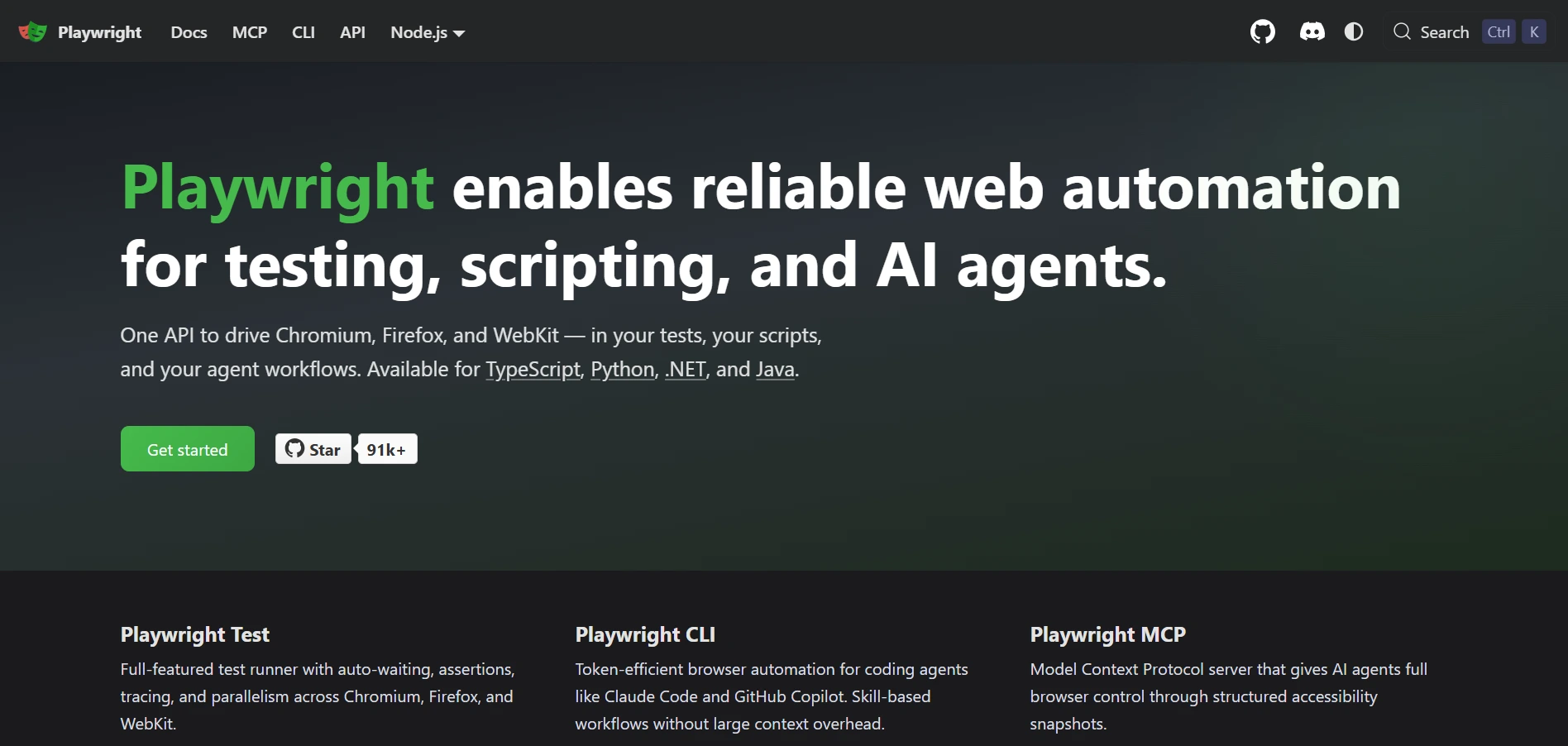
Claude can explain what to do on a website, but it cannot naturally click buttons, fill forms, test flows, or inspect pages like a real user.
Playwright MCP helps close that gap.
It gives Claude the ability to interact with web pages through browser automation. That means Claude can open pages, inspect elements, click through flows, fill fields, and help validate how a website or web app behaves.
This is useful when you are testing product flows, checking signup pages, reviewing forms, debugging UI behavior, or automating browser-based tasks.
You can use prompts like:
The real value is that Playwright MCP makes Claude more action-oriented.
Instead of only giving advice about a webpage, Claude can help observe and test the page directly.
For developers, it can support QA and debugging.
For founders, it can help review conversion flows.
For growth teams, it can check landing pages, forms, and user journeys before campaigns go live.
It is powerful, but you should use it carefully.
Browser automation can interact with logged-in tools, private dashboards, and sensitive pages, so permissions and access control matter.
Best For: Developers, QA teams, technical founders, automation builders, and growth teams testing web flows.
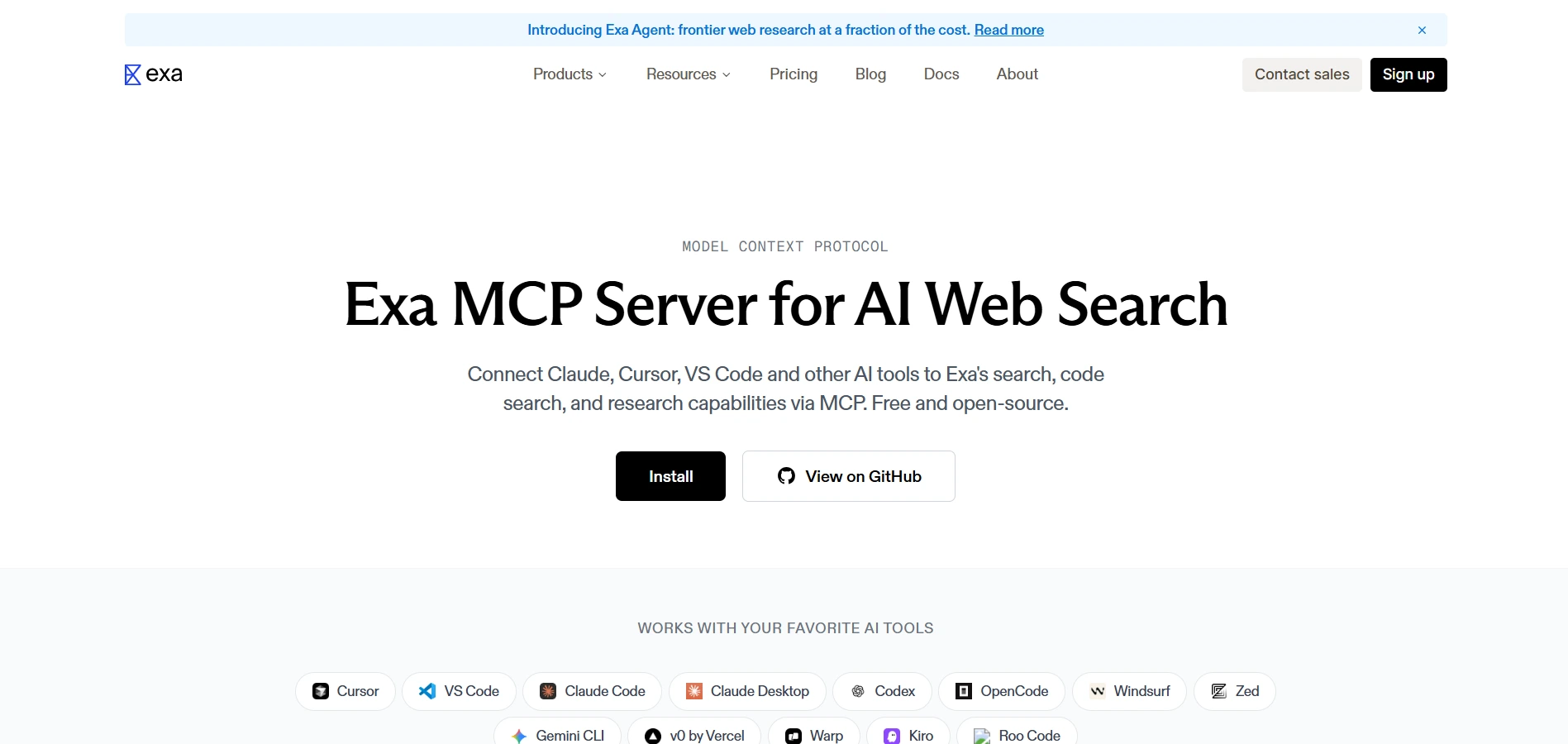
Sometimes you do not need a normal search engine.
You need Claude to find things based on meaning, not just exact keywords.
That is where Exa MCP becomes useful.
Exa is built for AI-native semantic search, which means it can help Claude find pages, companies, articles, startups, research, and resources that match your intent even when the exact words are different.
This is helpful when you are exploring a market, researching competitors, finding niche companies, or looking for sources that traditional search may miss.
You can use prompts like:
The real value is discovery.
With keyword search, you often need to know what to search for before you search.
With Exa, Claude can explore a topic more naturally and find relevant results based on concepts, categories, and similarity.
That makes it useful for research-heavy workflows where you are trying to map a space, understand competitors, or find non-obvious opportunities.
It can also work well with other MCP servers.
Claude can use Exa to discover companies, Firecrawl to analyze their websites, and Oppora to find decision-makers for outreach.
Best For: Founders, researchers, analysts, marketers, sales teams, content strategists, and anyone doing market discovery.
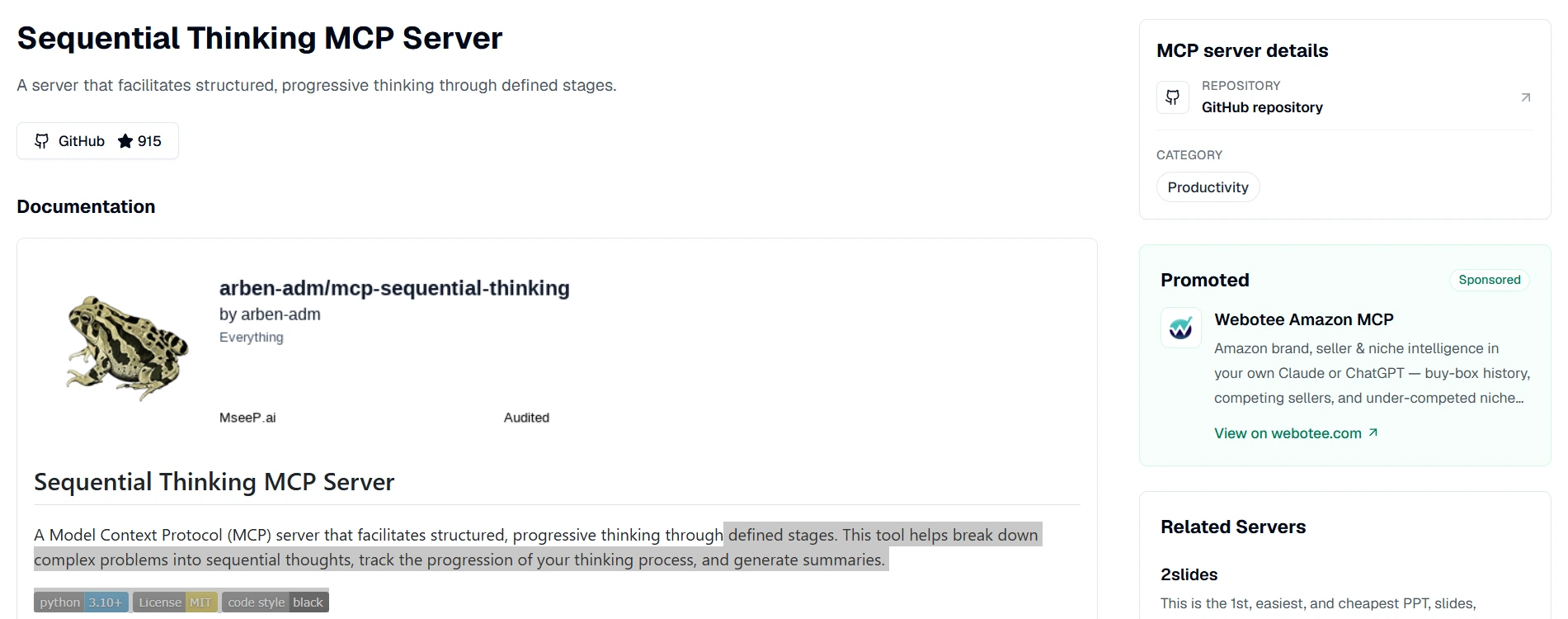
Claude can handle complex tasks, but sometimes it jumps too quickly from problem to answer.
That is fine for simple work.
But when you are planning a product, debugging a tricky issue, comparing options, or making a strategic decision, you need Claude to slow down and think through the problem more carefully.
Sequential Thinking MCP helps with that.
It gives Claude a more structured way to break problems into steps, revise its thinking, explore different paths, and avoid rushing into the first possible answer.
You can use prompts like:
The real value is not that it gives Claude new external data.
It improves how Claude approaches complex work.
That makes it useful when your task has multiple moving parts, hidden tradeoffs, or decisions that should not be answered too quickly.
For developers, it can help with debugging and architecture planning.
For founders, it can support strategy, prioritization, and workflow design.
For researchers, it can help organize arguments, assumptions, and conclusions more clearly.
It is not needed for every prompt.
But when the task is messy, Sequential Thinking can make Claude feel more deliberate, careful, and reliable.
Best For: Founders, developers, researchers, product teams, analysts, and anyone using Claude for complex decision-making.
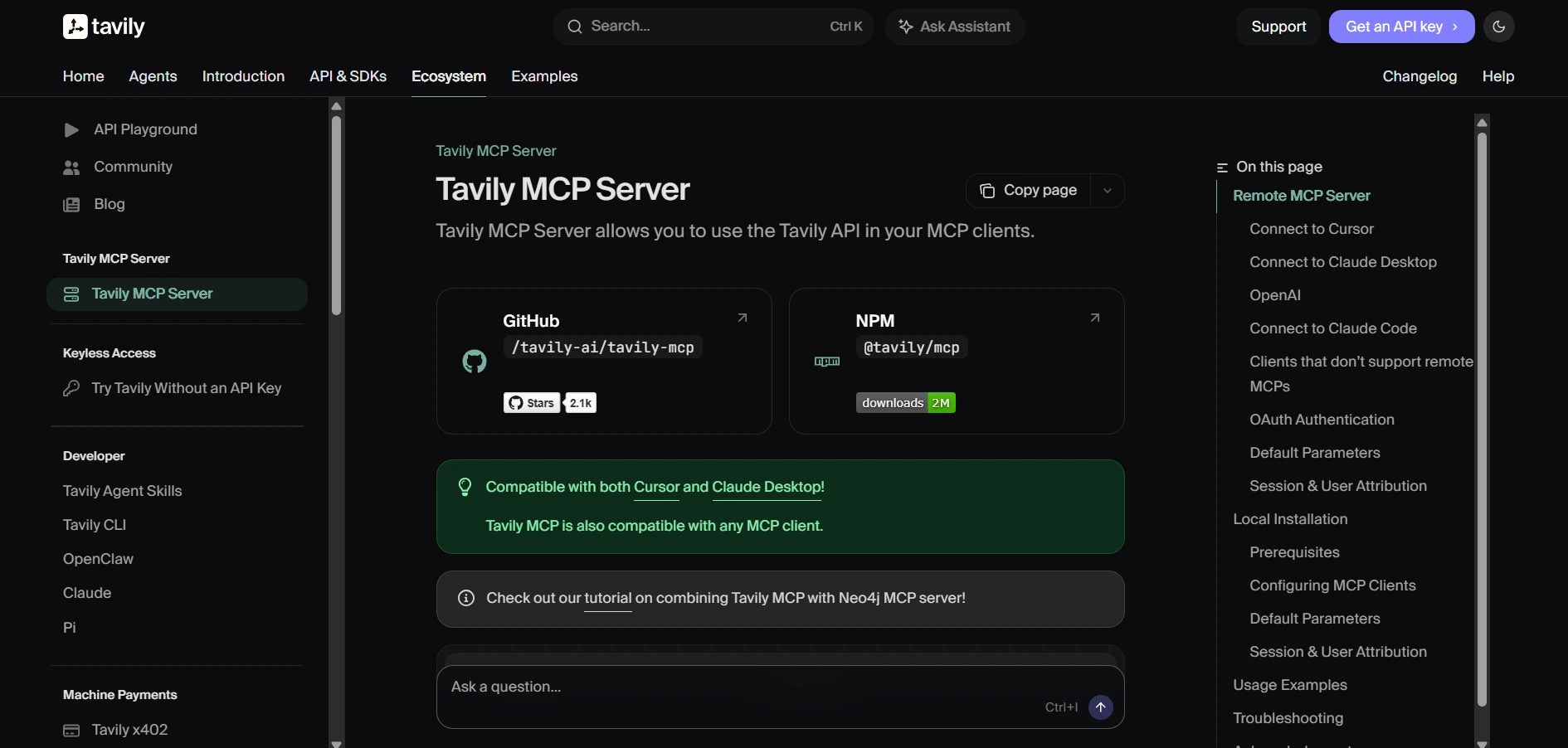
Claude is useful for research, but it still needs access to fresh and reliable web information when the topic is current.
That is where Tavily MCP helps.
Tavily is built for AI search workflows. Its MCP server gives Claude tools for real-time web search, content extraction, website mapping, and crawling, so Claude can gather web context before writing, analyzing, or making recommendations.
This is helpful when you do not just want a list of links.
You want Claude to search, extract the useful parts, compare sources, and turn that information into something you can actually use.
You can use prompts like:
The real value is speed.
Instead of manually opening search results, reading five tabs, and pasting notes into Claude, Tavily helps Claude collect web information directly inside the workflow.
It is especially useful for research-heavy tasks like content briefs, market research, competitor analysis, news checks, and company research.
You can also combine it with other MCP servers.
Claude can use Tavily to find fresh sources, Firecrawl to extract deeper website content, Memory MCP to save useful context, and Oppora to turn research into prospecting action.
Best For: Researchers, marketers, founders, analysts, content teams, and AI workflow builders.
GitHub MCP is not exactly unknown, but many developers still underuse it.
Most people connect it with basic repository access.
But the real value is in the advanced workflows around issues, pull requests, commits, releases, code search, and GitHub Actions. The official GitHub MCP server is designed to help AI tools browse repositories, manage issues and pull requests, understand project structure, and work with GitHub workflows through natural language. (GitHub)
That means Claude can become more than a coding assistant.
It can help you understand what is happening across your repo and turn that context into action.
You can use prompts like:
The real value is workflow control.
Instead of switching between Claude, GitHub, pull requests, issues, and CI logs, you can ask Claude to help organize and act on that information in one place.
It is especially useful for developers working across large repositories, open-source maintainers managing many issues, and engineering leads who need faster project visibility.
You should still be careful with permissions.
Give Claude only the repository access it actually needs, especially when working with private codebases.
Best For: Developers, engineering leads, open-source maintainers, technical founders, and product teams working closely with GitHub.
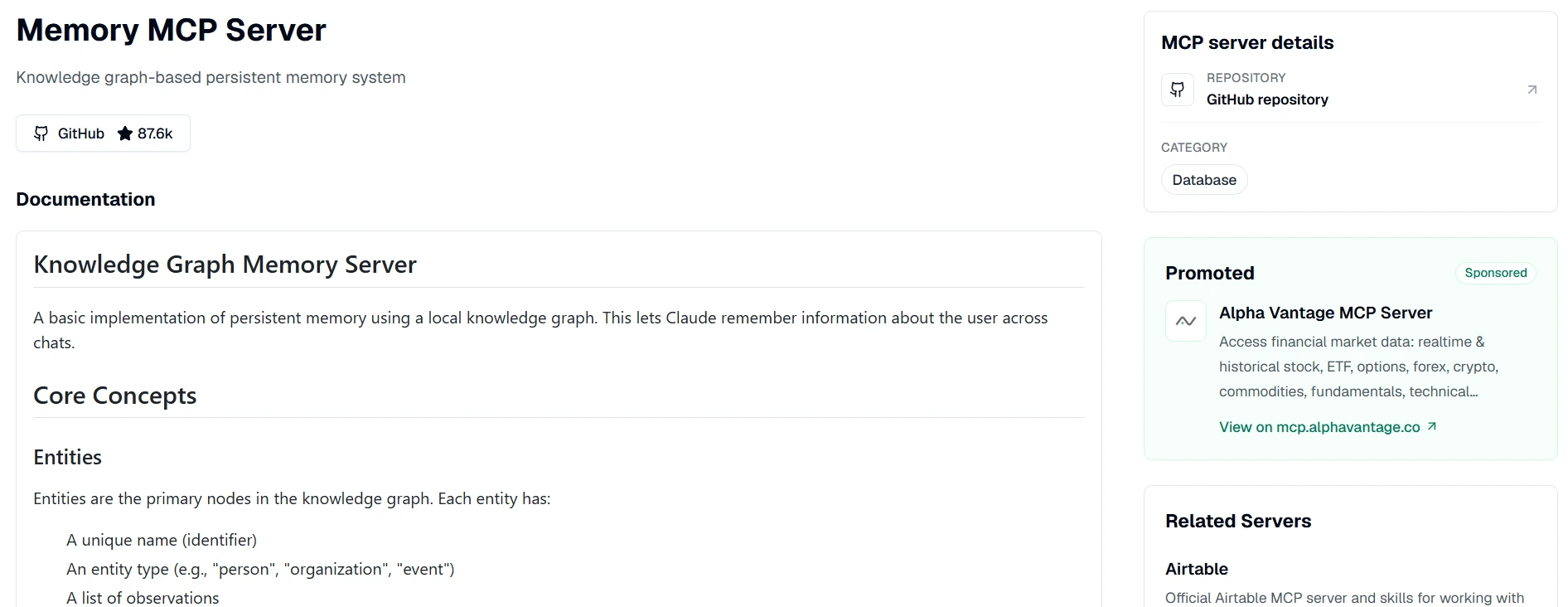
Claude is helpful, but one thing can slow you down.
It often needs you to repeat the same context again and again.
Your project goals, writing preferences, customer details, product positioning, research notes, technical decisions, and recurring workflows can easily get lost between conversations.
Memory MCP helps solve that.
It gives Claude a way to store and recall useful information across sessions, so it can maintain continuity instead of starting from zero every time.
That makes Claude feel much more useful for long-term work.
You can use prompts like:
The real value is continuity.
Instead of rebuilding context every time you open Claude, Memory MCP helps Claude work with a more stable understanding of your projects and preferences.
This is especially useful when you use Claude for ongoing work like product planning, content strategy, customer research, sales workflows, or software development.
It also pairs well with other MCP servers.
Claude can remember your ICP, use Exa or Tavily for research, use Oppora for prospecting, and then keep improving the workflow based on what you save.
The main limitation is that memory needs discipline.
You should store important context, not random information, otherwise Claude’s memory can become cluttered or outdated.
Best For: Founders, marketers, researchers, developers, sales teams, agencies, and anyone using Claude for repeated or long-term workflows.

If you use Claude for frontend development, one common problem is design context.
Claude can look at a screenshot and guess the layout, but guessing is not the same as understanding the actual design file.
Figma Dev Mode MCP helps Claude access structured design context from Figma, including components, variables, layout data, and selected frames. Figma says its MCP server brings Figma context into tools like Claude Code so AI agents can generate more accurate, design-informed code.
You can use prompts like:
The real value is cleaner handoff.
Instead of asking Claude to recreate a design from an image, Figma MCP gives it the design data behind the interface.
That helps reduce mistakes around spacing, colors, hierarchy, component structure, and design system rules.
It is especially useful for frontend developers, design engineers, and product teams that want faster design-to-code workflows without losing design accuracy.
The limitation is that your Figma files still need to be organized.
If the file has messy layers, unclear components, or inconsistent naming, Claude may still need extra guidance.
Best For: Frontend developers, design engineers, product designers, UI teams, and product teams building from Figma.
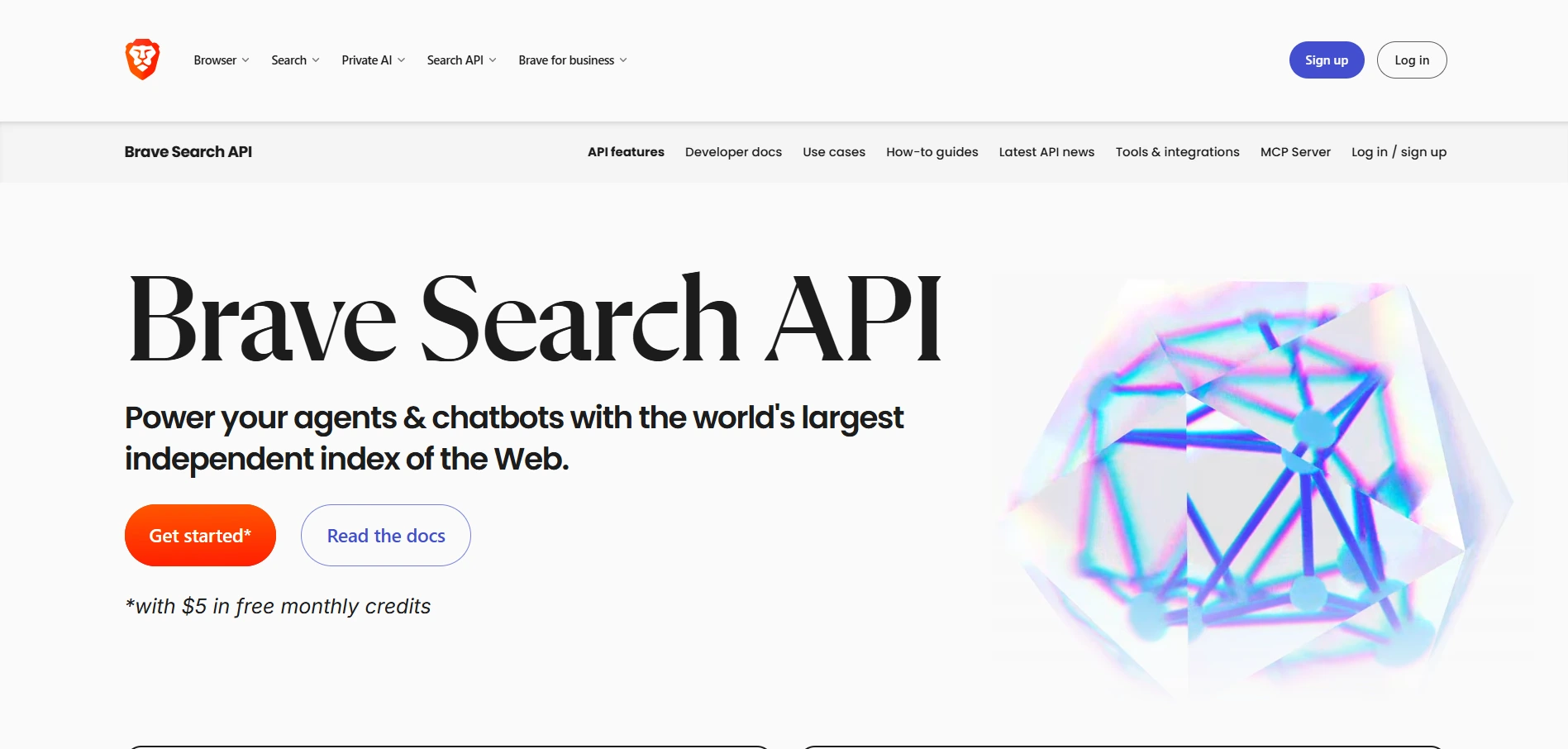
Claude is useful, but it cannot always answer questions based on what happened today, this week, or after its training cutoff.
Brave Search MCP helps solve that by giving Claude access to real-time web search.
It connects Claude to the Brave Search API, with support for web search, local business search, image search, video search, news search, LLM context, and AI-powered summarization.
This makes it useful when you need Claude to check fresh information before giving an answer.
You can use prompts like:
The real value is freshness.
Instead of relying only on Claude’s built-in knowledge, Brave Search MCP helps Claude pull current web results into the conversation. Brave also positions its Search API as useful for RAG pipelines and AI apps that need real-time data to ground responses.
It works well for research, market scanning, competitor checks, news monitoring, and quick fact verification.
The main limitation is that search results still need judgment.
Claude can fetch information, but you should still verify important claims, especially for legal, financial, medical, or high-stakes topics.
Best For: Researchers, marketers, founders, analysts, writers, and Claude users who need current web information.
Suggested Reading:
16 Best MCP Tools to Automate Workflows in MinutesYou do not need to install all 11 MCP servers at once.
The smarter approach is to start with the servers that match your daily workflow, then add more only when you feel a clear gap.
The main rule is simple.
Start with three MCP servers or fewer.
That gives Claude enough new capability without creating too much tool clutter, context overhead, or permission risk.
Once you know which servers you actually use every week, you can add more based on your workflow.
MCP servers can make Claude much more powerful, but more tools do not always mean better results.
In fact, a messy MCP setup can make Claude slower, less focused, and harder to control.
Here are the mistakes worth avoiding:
The best setup is usually simple.
A few well-chosen MCP servers will make Claude more capable than a crowded setup full of tools you rarely use.
Not every MCP server comes from the same type of source.
Some are official servers built by the company or platform itself. Others are community-built projects created by developers who wanted Claude to connect with a tool in a more flexible way.
Both can be useful, but they are not equal in every situation.
Official MCP servers are usually the safer choice when trust matters most.
If an MCP server needs access to your GitHub repositories, browser, files, CRM, customer data, or internal systems, stability and security should come first.
Community MCP servers are still valuable.
In fact, many of the most interesting MCP ideas start from the community because builders move fast and solve very specific problems.
The key is to check the basics before installing one:
A simple rule works well here.
Use official MCP servers for critical workflows and community MCP servers for experimentation, niche tasks, or early innovation.
That way, you get the best of both worlds without putting your workspace at unnecessary risk.
Claude MCP servers can make Claude far more useful, but only when you choose them with intention.
The goal is not to install every server you find.
The goal is to connect Claude to the tools, data, and workflows that actually matter in your day-to-day work.
If you are a developer, servers like Context7, GitHub, Playwright, and Figma Dev Mode can make coding and implementation smoother.
If you are a founder, marketer, researcher, or sales professional, tools like Oppora.ai, Exa, Firecrawl, Tavily, Brave, Memory, and Sequential Thinking can help Claude move from simple answers to real execution.
Start with two or three MCP servers that solve your biggest workflow gaps.
Then build from there.
The best Claude setup is not the biggest one.
It is the one that saves you time every week.
The best Claude MCP server depends on your workflow. Developers may prefer Context7, GitHub MCP, and Playwright, while sales teams, founders, and agencies may get more value from Oppora MCP because it helps Claude support prospect research, lead discovery, enrichment, and outreach.
Many Claude MCP servers are free or open-source, but some connect to paid APIs, tools, or platforms. So the server may be free to install, while the service behind it may require an API key, credits, or a paid account.
Yes, many MCP servers work with Claude Desktop. You usually need to install the server, add it to your Claude Desktop configuration, and provide any required permissions or API keys.
Yes, you can use multiple MCP servers together, and that is where Claude becomes more powerful. Start with two or three useful servers first, then add more only when you have a clear workflow need.
MCP servers can slow Claude down if you install too many or use poorly designed ones. Each server may add extra context, tool descriptions, and processing overhead, so quality matters more than quantity.
Summarize with AI
Share